

Интернет-магазин
Онлайн-запись
События
Всплывающее окно

Japan Shipping Label CSV
Разработано
Stop retyping orders for Yamato and Click Post
Еще нет отзывов
Есть бесплатный план

Обзор Japan Shipping Label CSV
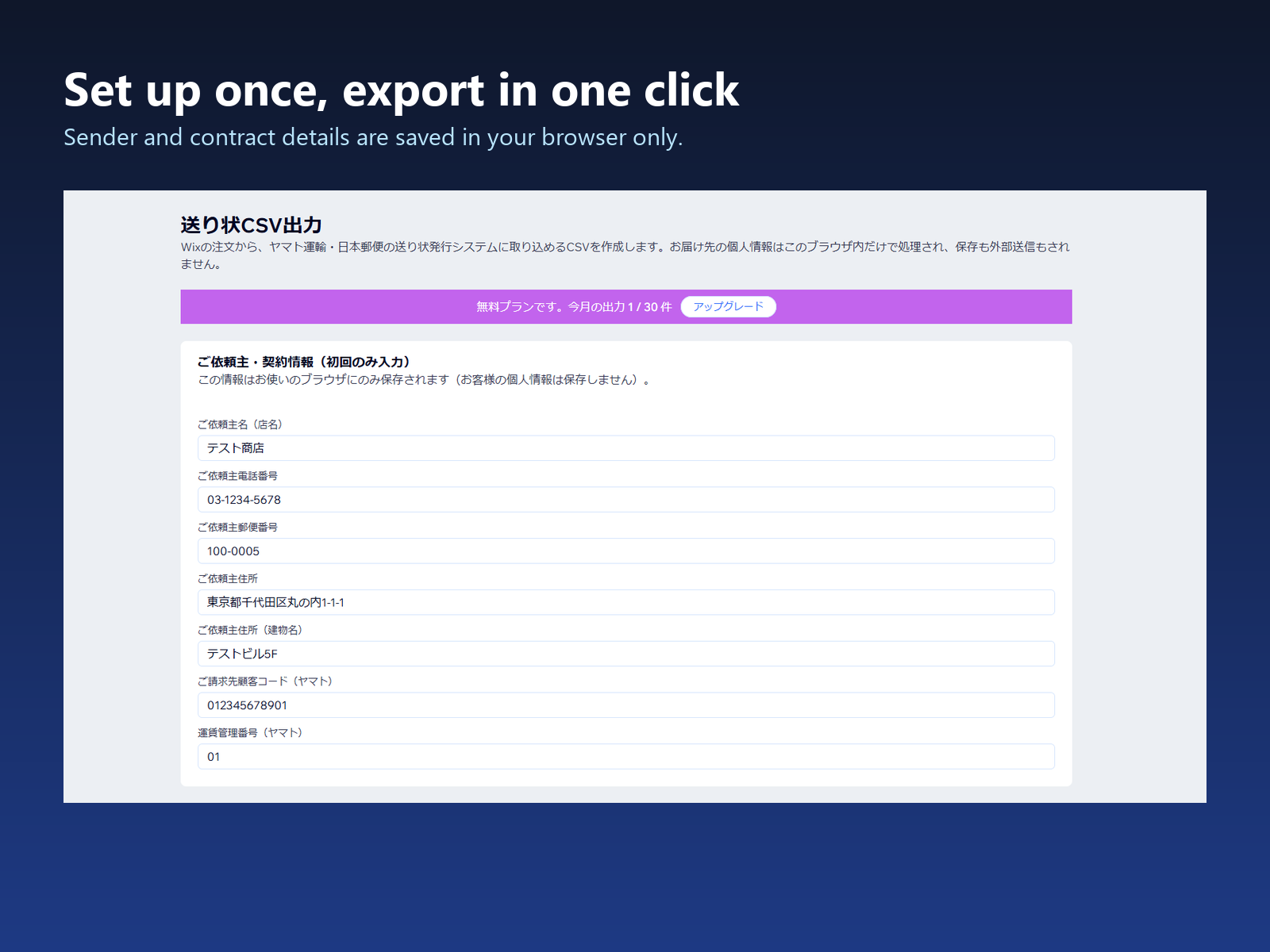
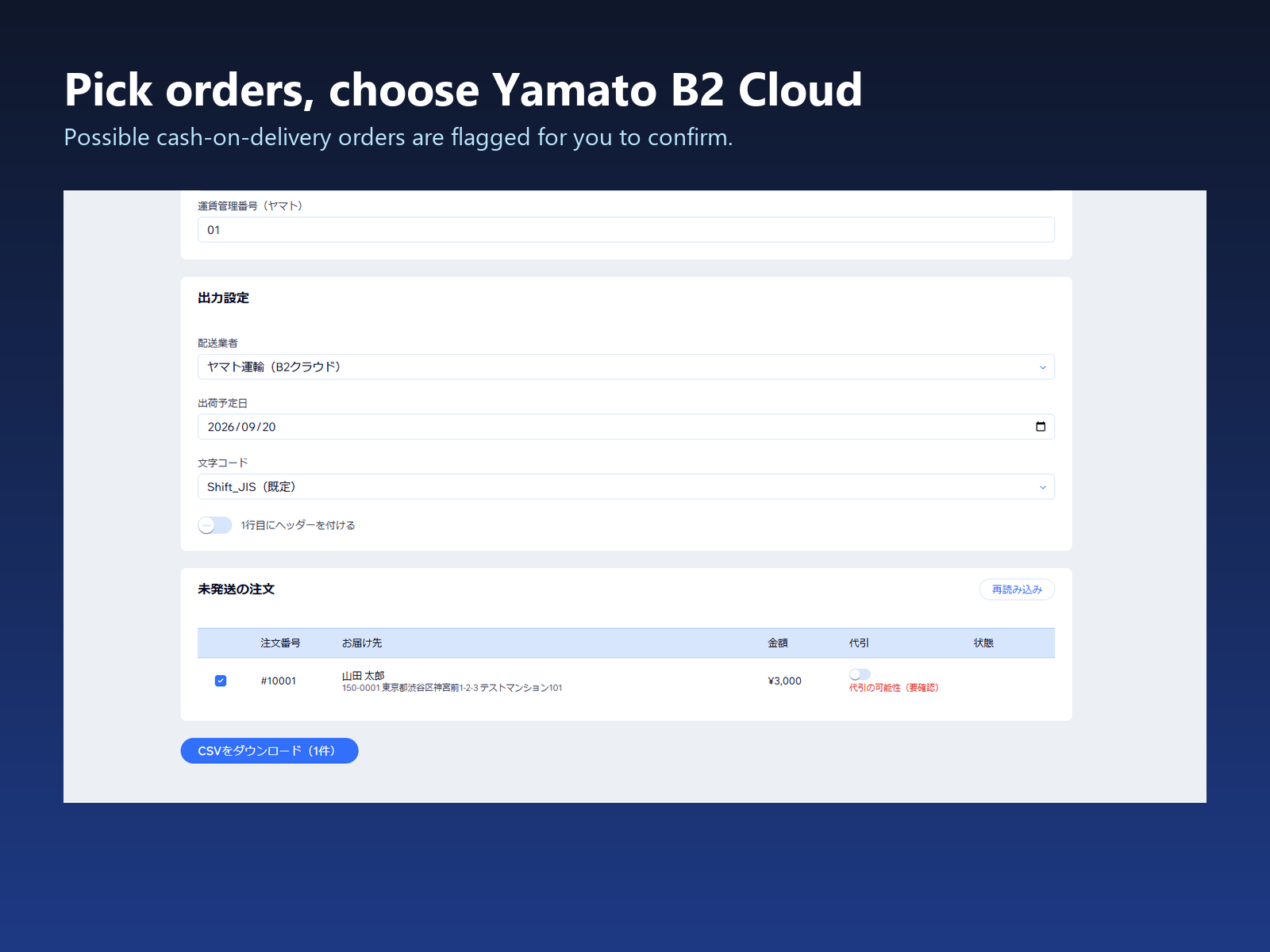
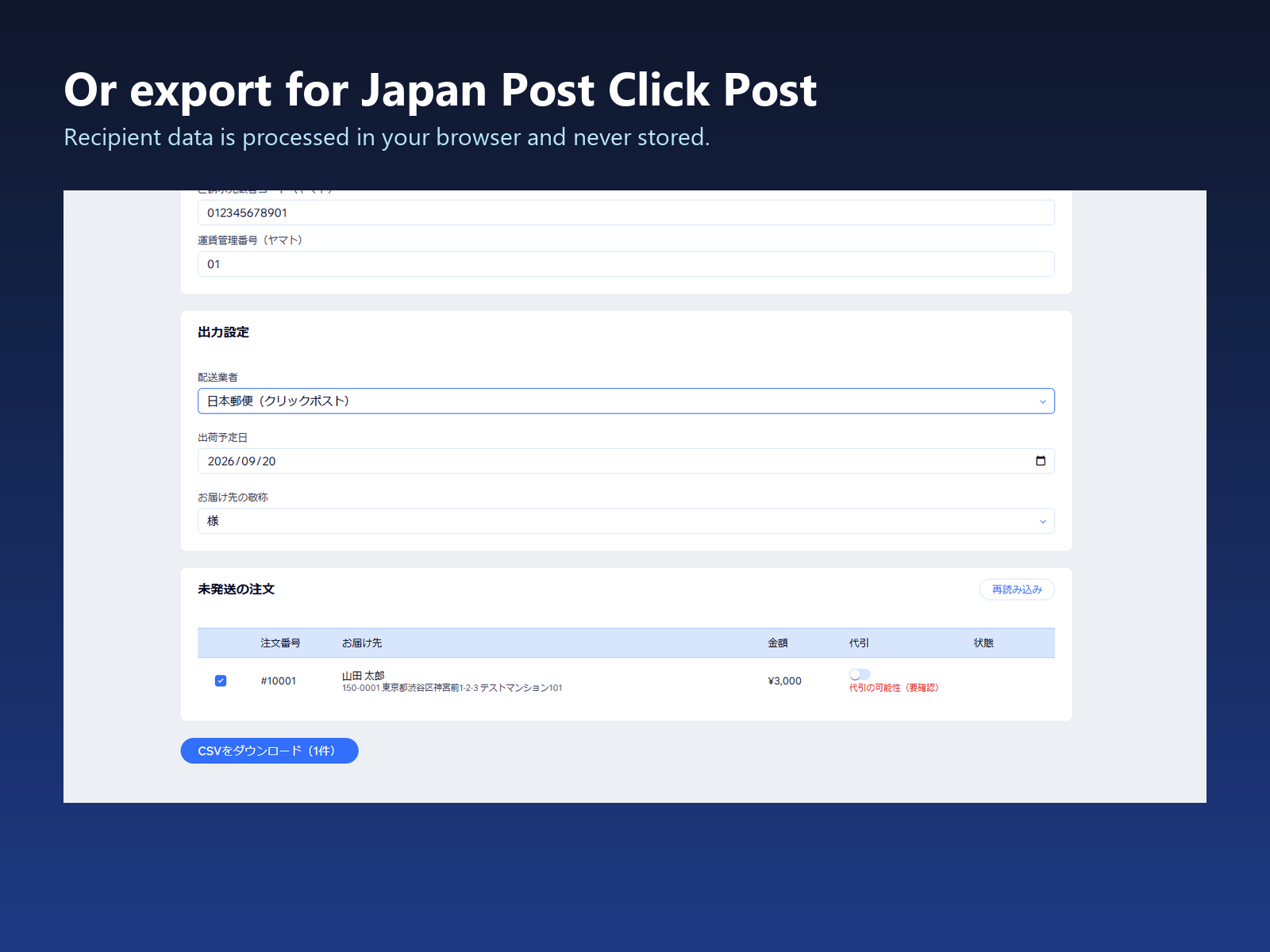
- Yamato B2 Cloud and Click Post CSVs, built from your orders
- No spreadsheet step: pick orders, pick a carrier, download
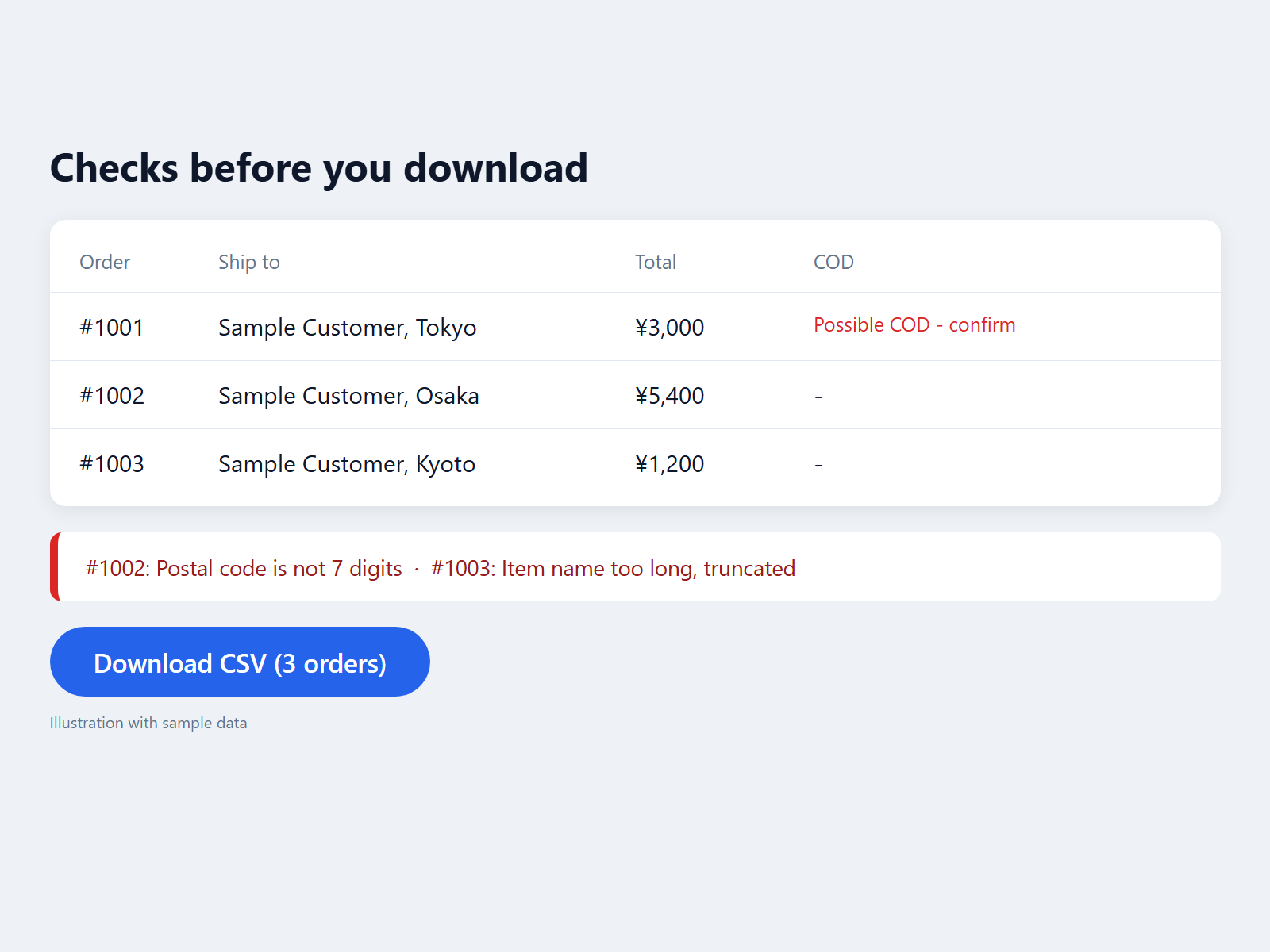
- Checks names, addresses and postal codes before download
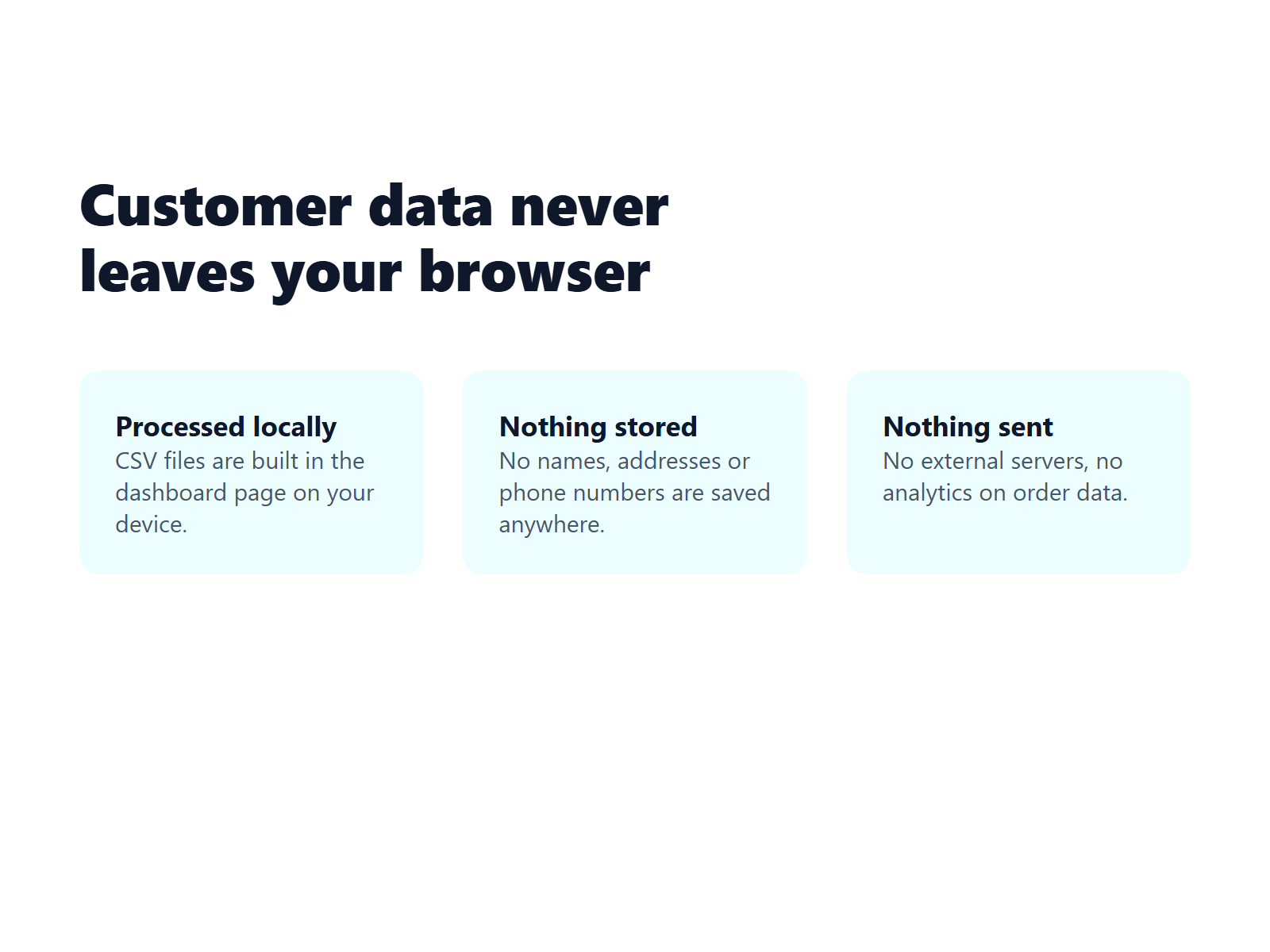
- Recipient data stays in your browser - never stored or sent
Категории
Доступность
Приложение доступно по всему миру.Языки приложения:
Английский,
Японский
Категория
H
Разработчик приложенияHullspark
Рейтинг и отзывы
Еще никто не оставил отзыв на это приложение. Оцените его первым.Подписки
План Basic
Бесплатно
Up to 30 orders exported per month
Yamato B2 Cloud and Click Post CSV
Cash on delivery (COD) support
План Pro
$
9
99
/мес.
Unlimited CSV exports every month
Yamato B2 Cloud and Click Post CSV
Cash on delivery (COD) support
* Цена указана в USD.