

Интернет-магазин
Онлайн-запись
События
Всплывающее окно

Tables & Charts
Разработано
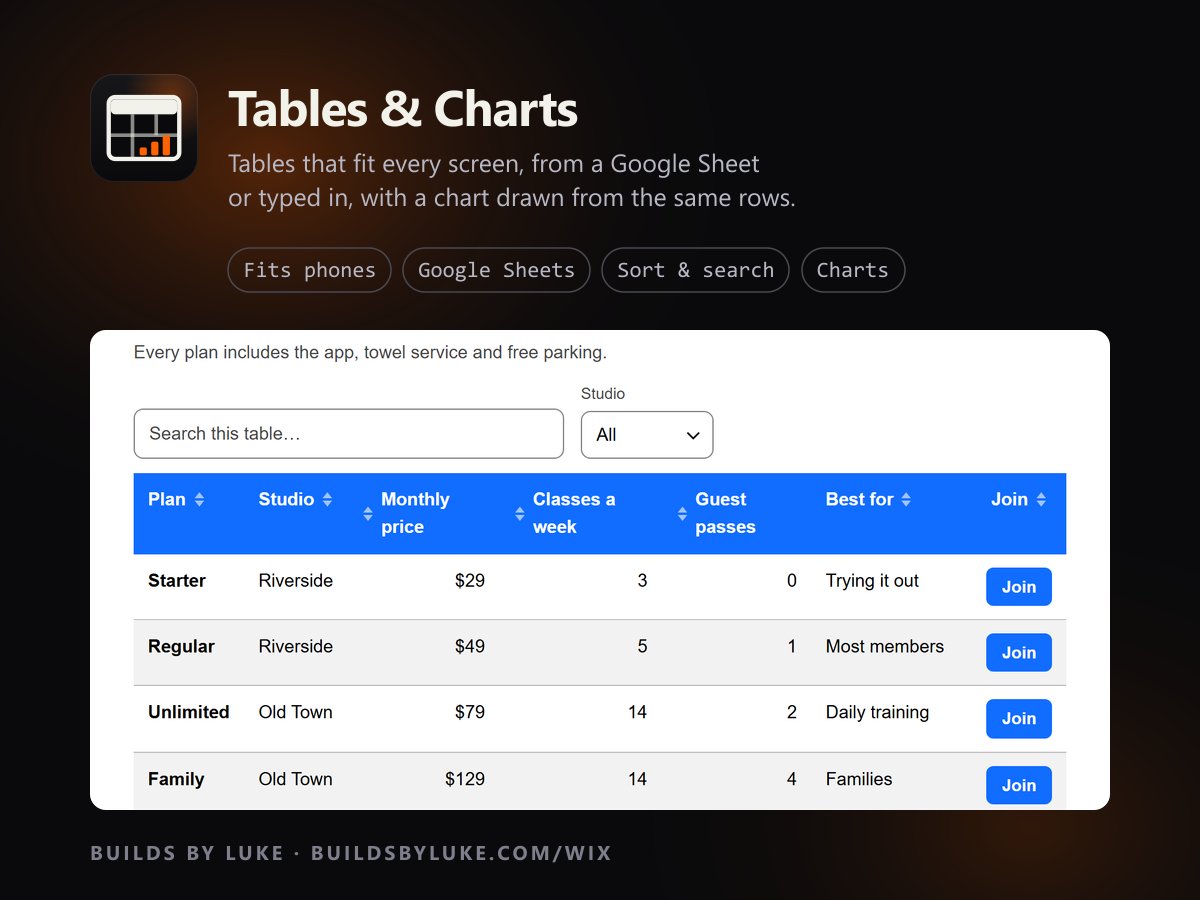
Responsive tables & charts from Sheets or CSV
Еще нет отзывов
Есть бесплатный план

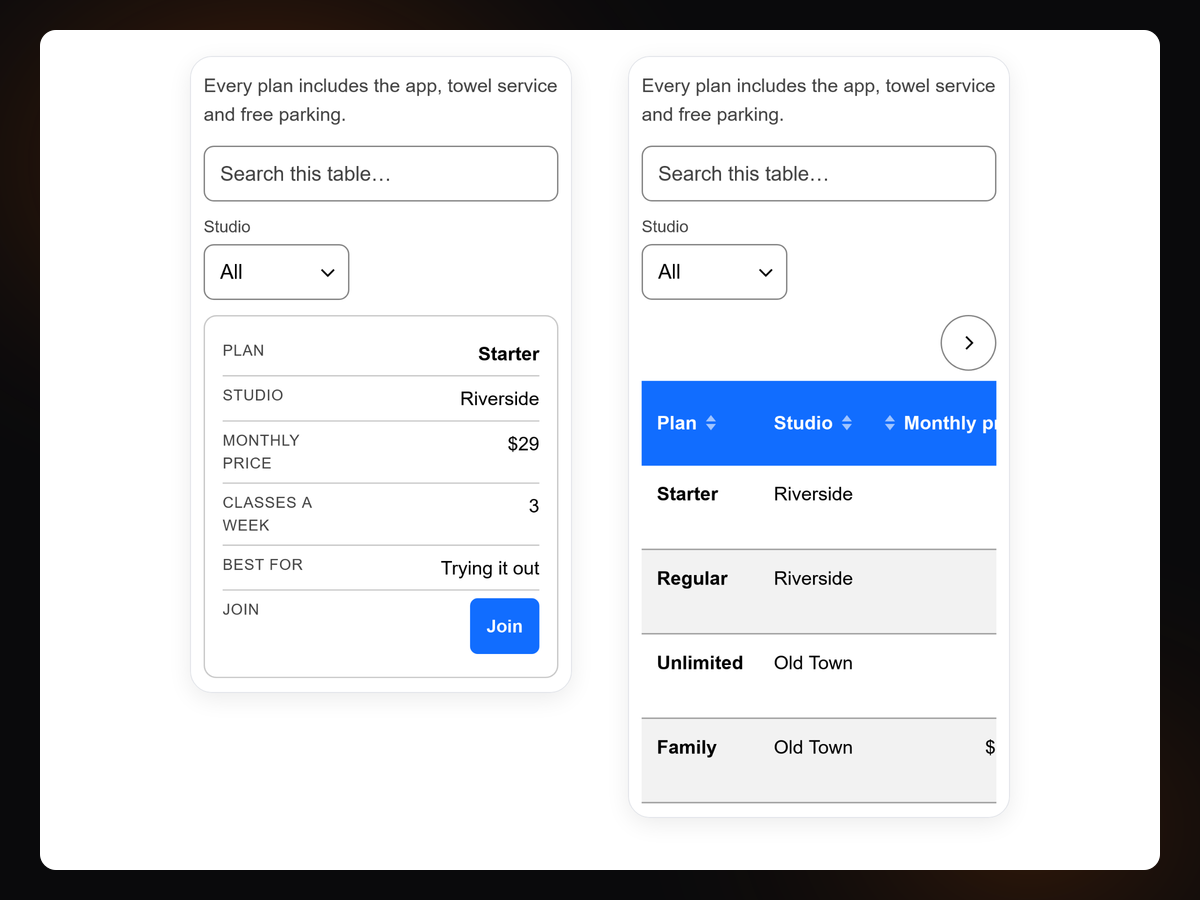
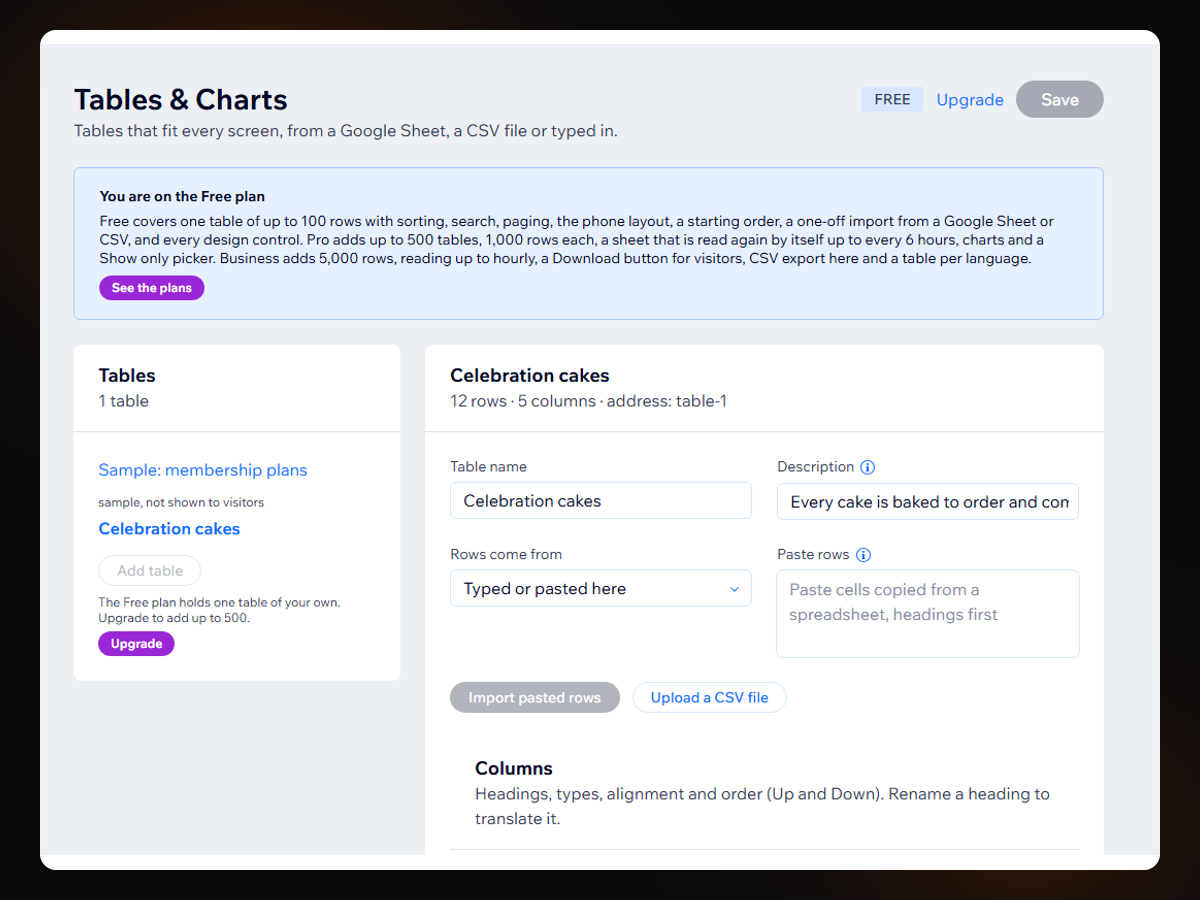
Обзор Tables & Charts
- Fits every screen: rows stack into cards on phones
- Import a Google Sheet or CSV in one click
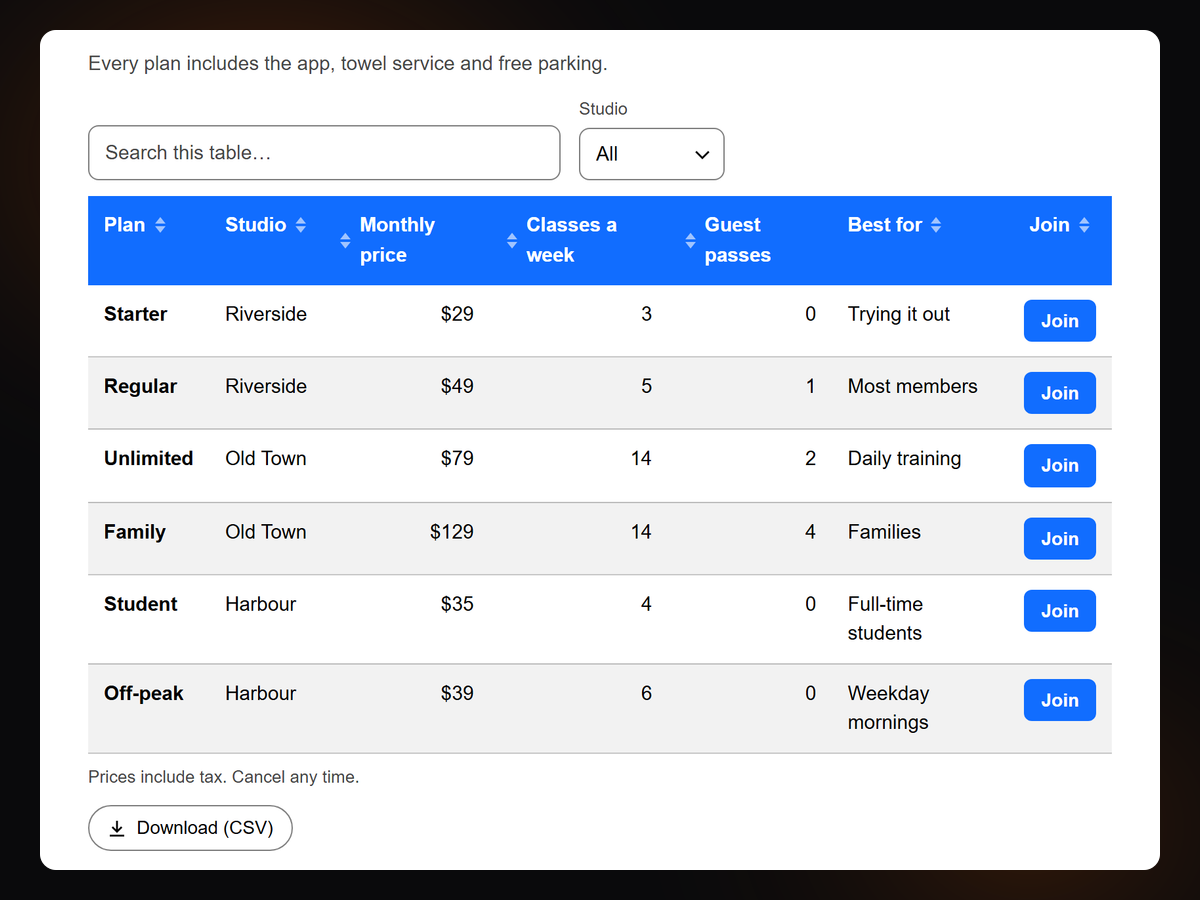
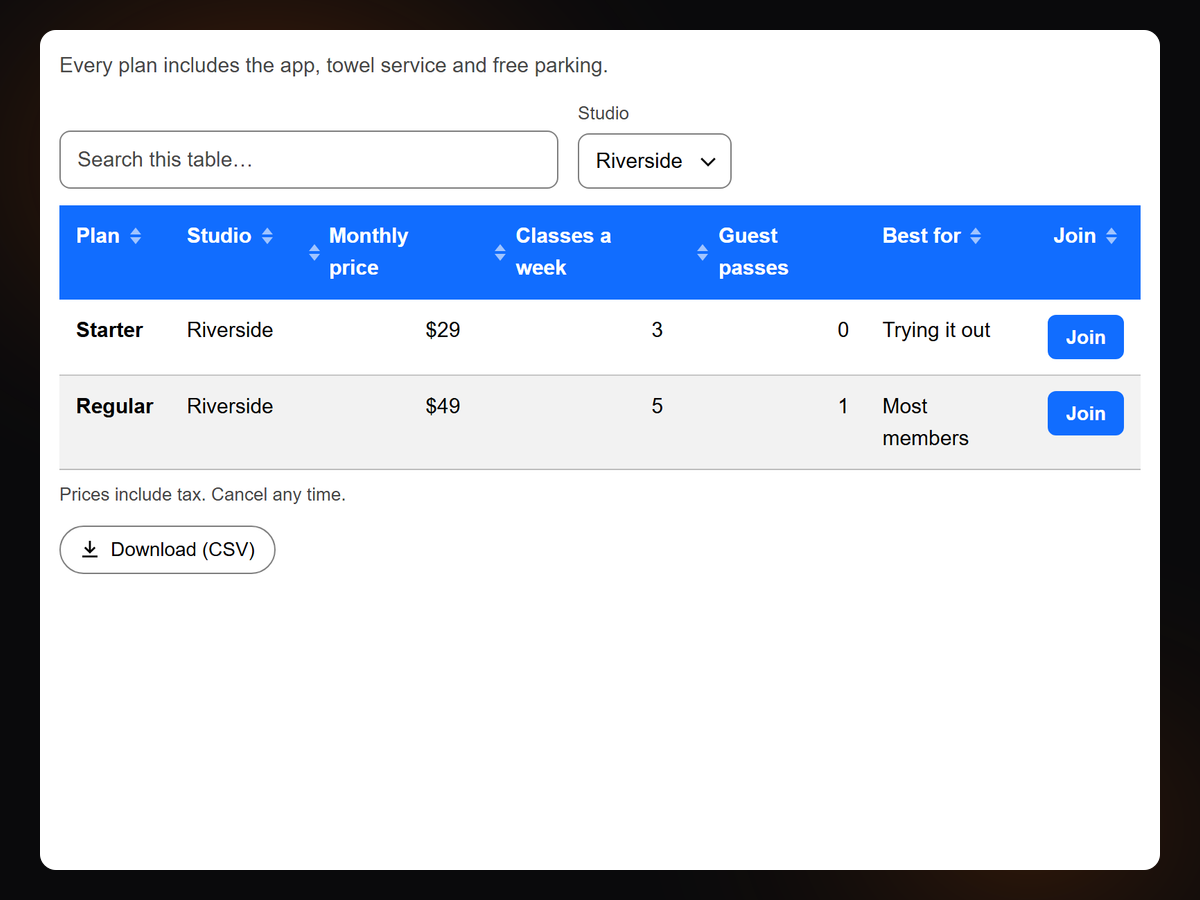
- Sorting, search and paging, with links, buttons and images
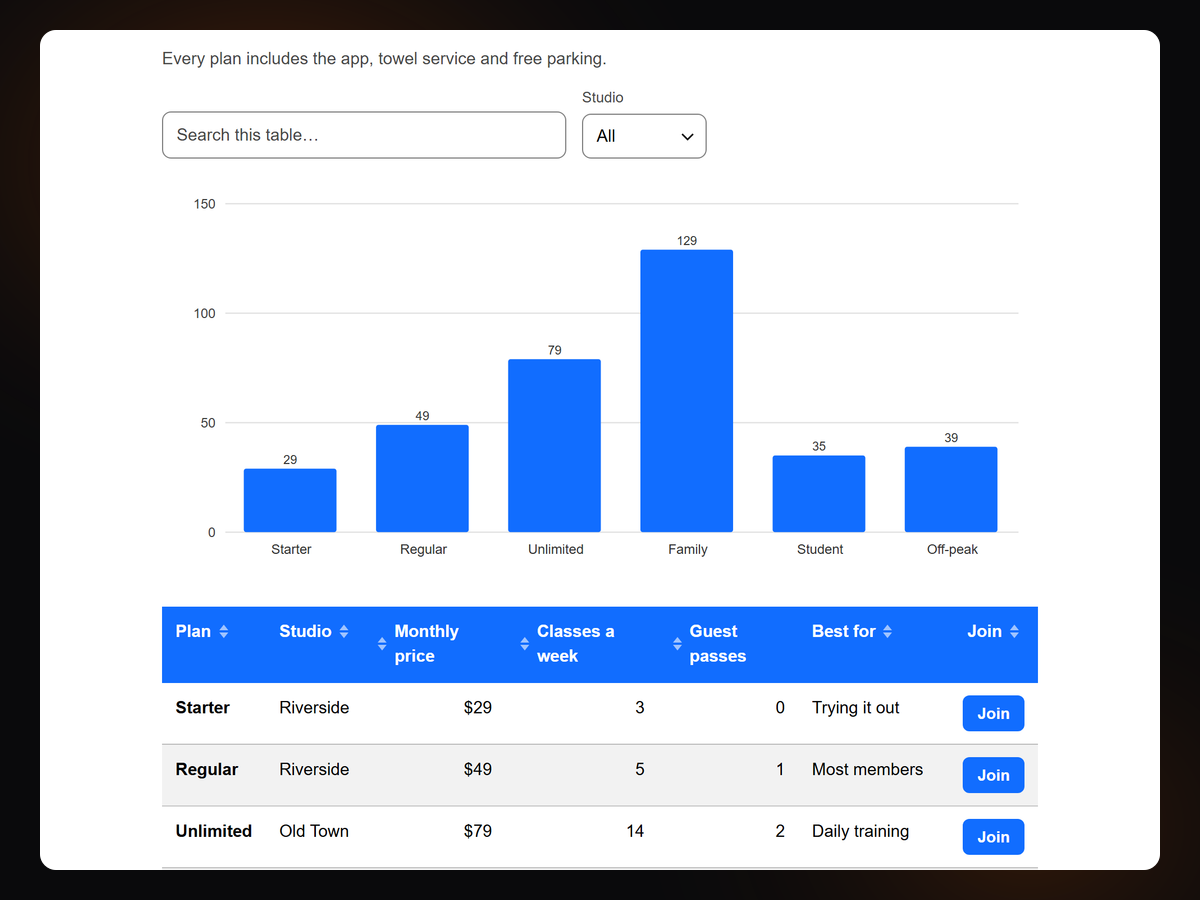
- Bar, line, pie and donut charts from the same rows
Рейтинг и отзывы
Еще никто не оставил отзыв на это приложение. Оцените его первым.Подписки
План Basic
Бесплатно
One table, up to 100 rows
Fits phones, sort, search, paging
Import a Google Sheet or CSV
Every design control
План Pro
$
3
99
/мес.
$799
Up to 500 tables, 1,000 rows each
Sheet read again up to every 6 hours
Charts and a Show only picker
Everything in Free
План Business
$
7
99
/мес.
$1599
Everything in Pro
5,000 rows, sheet read up to hourly
CSV export and visitor downloads
A table per language
* Цена указана в USD.