

Интернет-магазин
Онлайн-запись
События
Всплывающее окно
- 10 %
Проверено Wix
Product PDF
Разработано
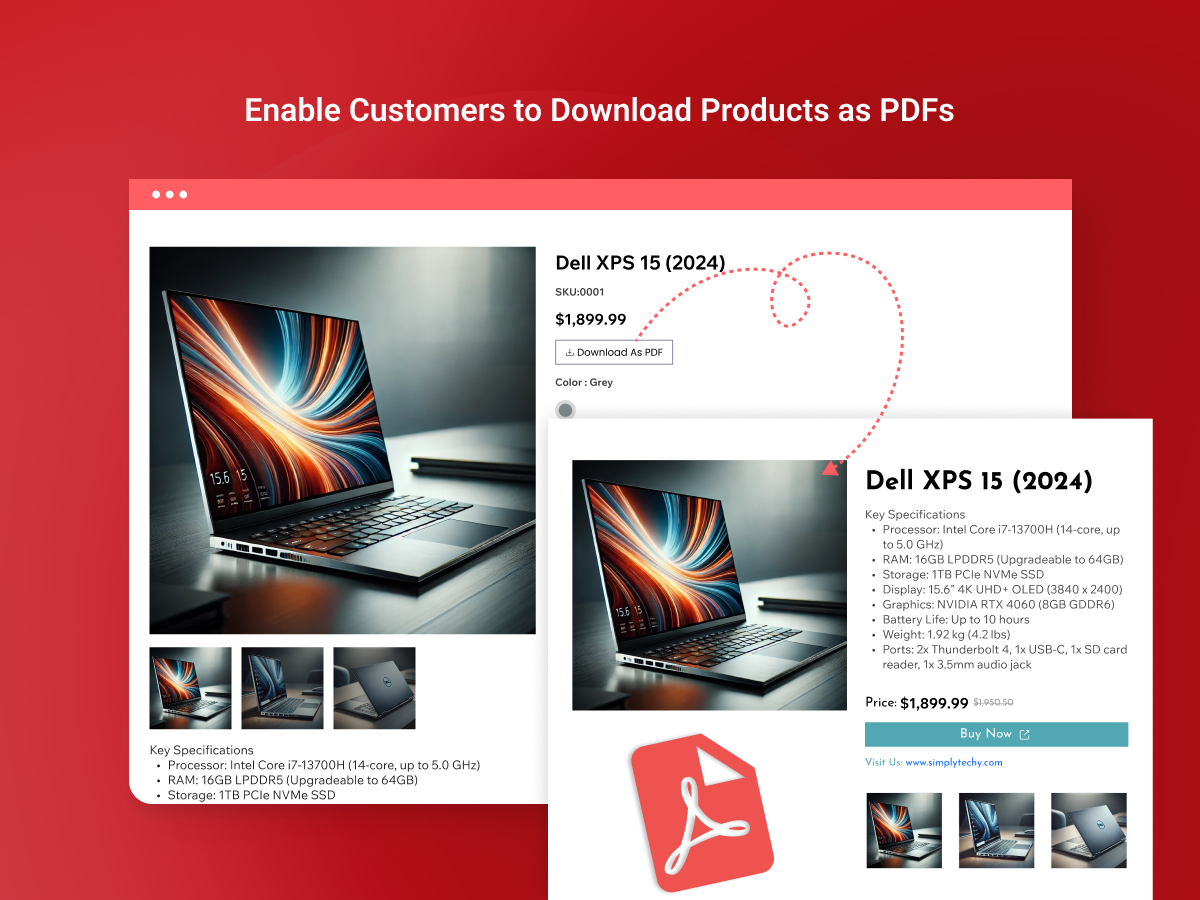
Add a PDF download button to every product page
5.0
14 дн. бесплатно


Обзор Product PDF
- Customers download any product as a branded PDF to keep, share or come back to later
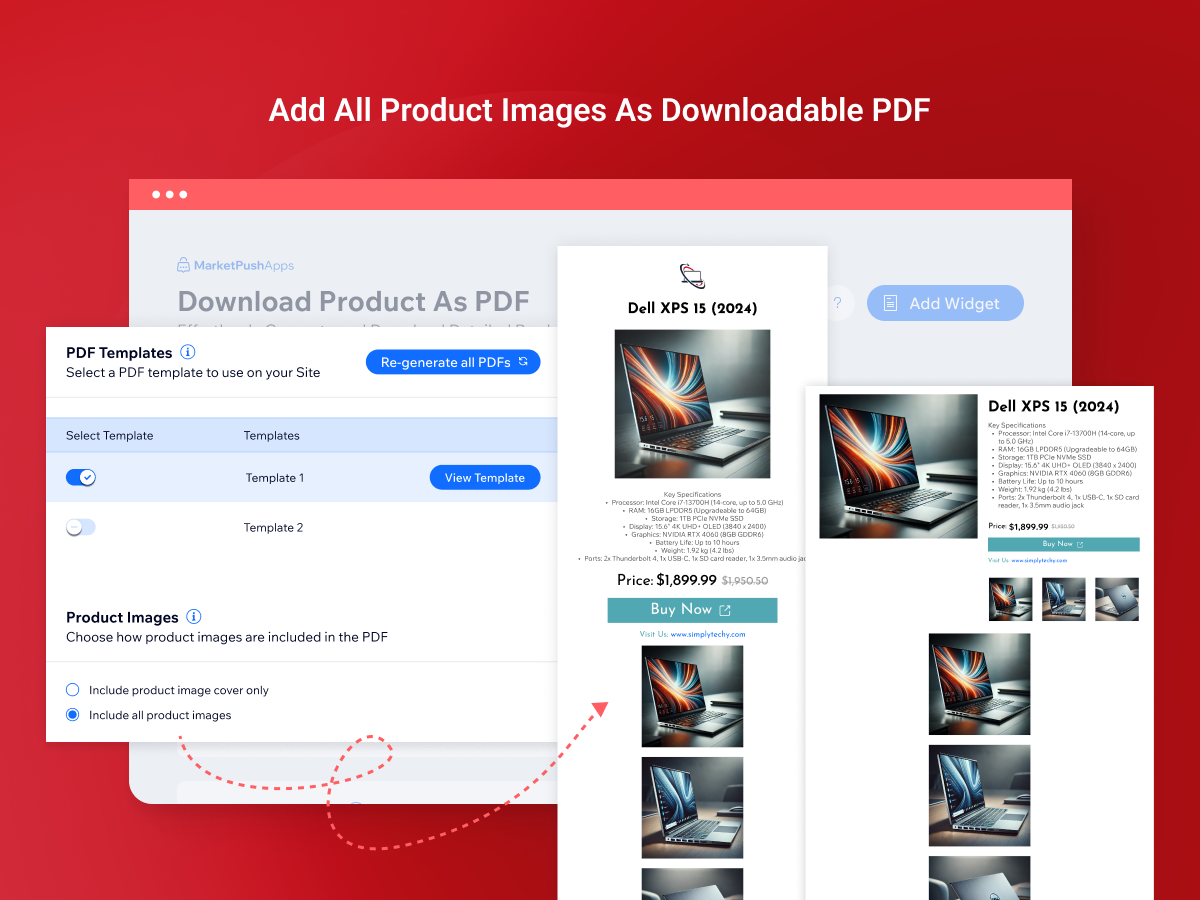
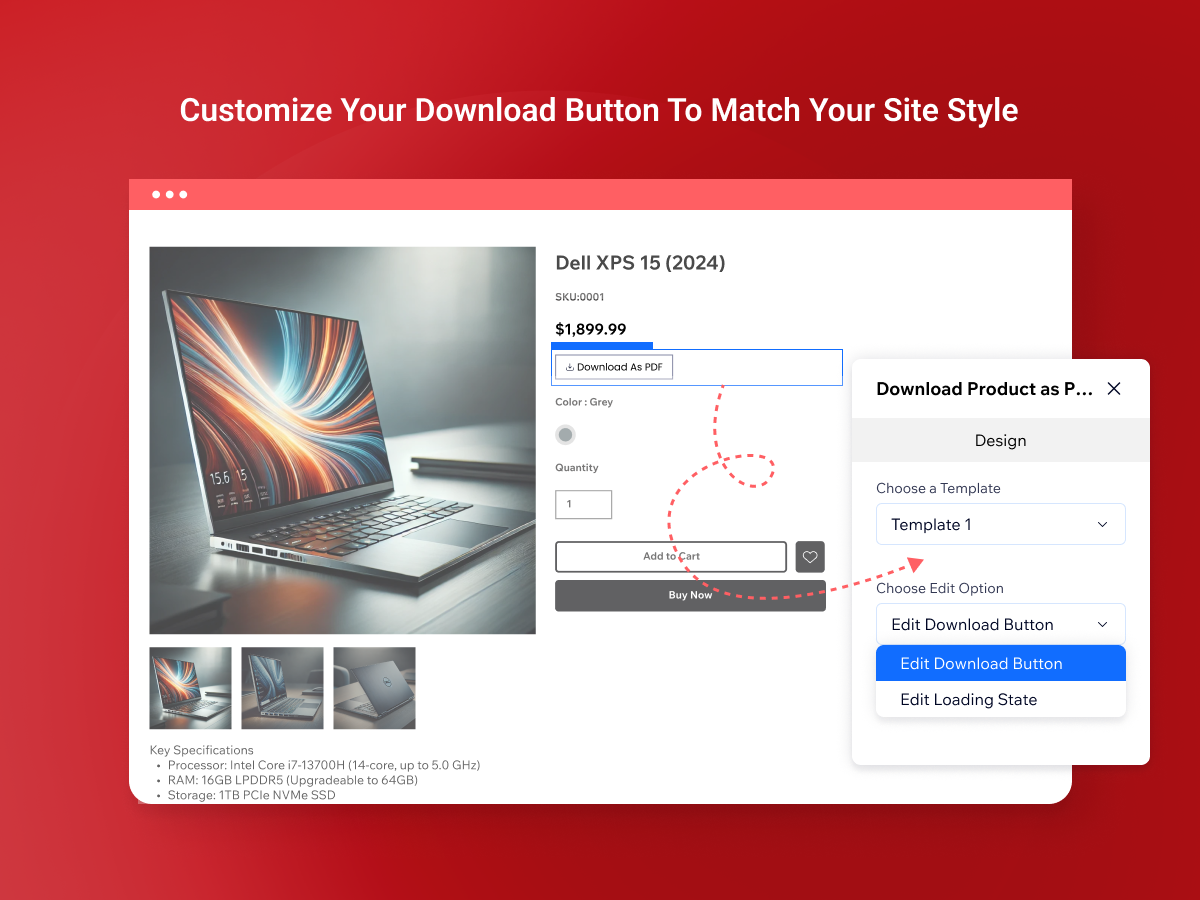
- Match your brand with four ready-to-use templates, your logo, fonts and colors
- PDFs refresh when you edit a product, so customers never get outdated details
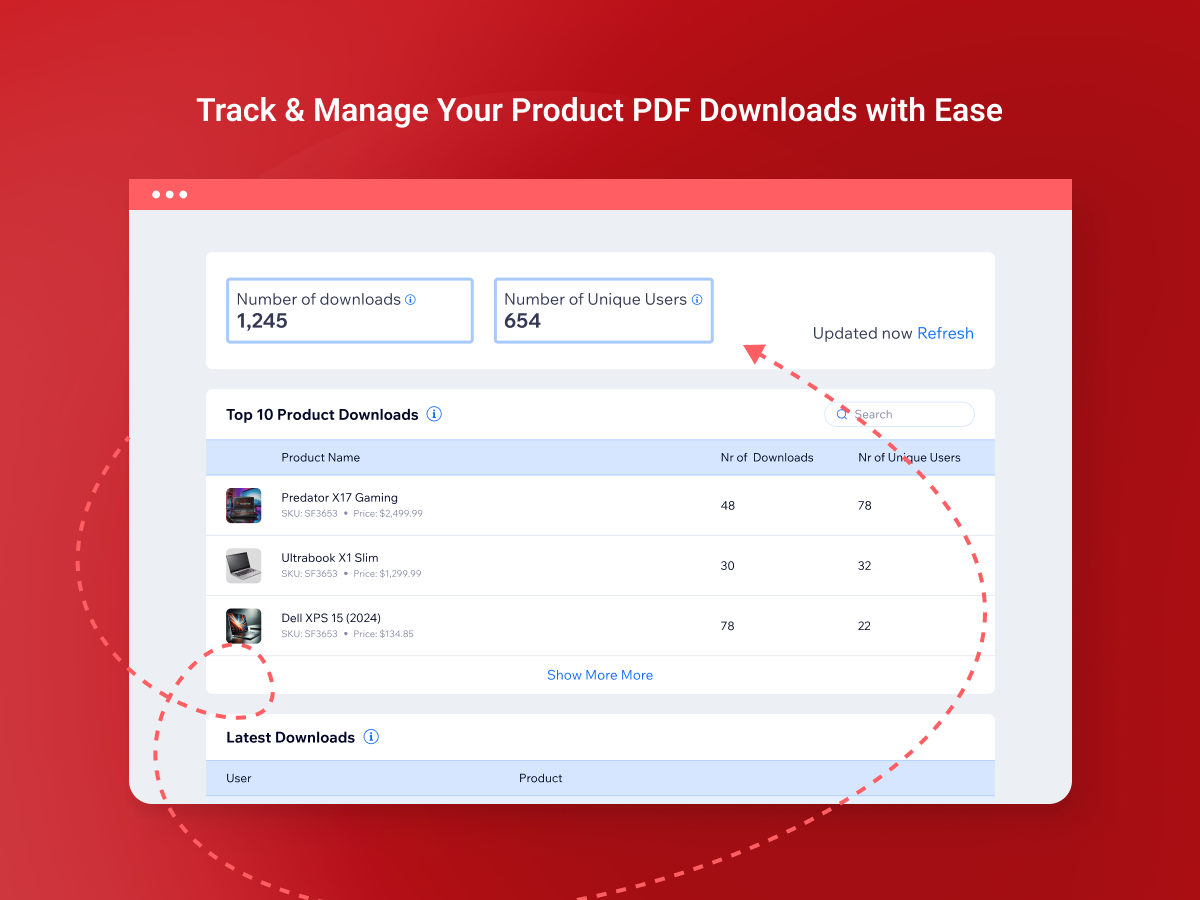
- See which products are downloaded most and how many people download them
Средняя оценка: 5.0
Отзывов: 2
5
2
4
0
3
0
2
0
1
0
Фильтр:
EX
Expartsrefacciones/ Feb 4, 2026
A PRUEBA SI SE PUEDE MEJORAR SE LO DIRE AL DESARROLLLADOR DIRECTAMENTE PARA INTERCAMBIO DE PRUEBAS DE ALTA EXIGENCIA EN REFACCIONES EQUIPO PESADO E INDUSTRIA MINERA SERA DONDE LO PONDRE A PRUEBA
MA
Команда MarketPushApps
Hello,
Thank you for testing Download Product As PDF in such a demanding environment. We appreciate you sharing any observations or suggestions after your testing.
You can email us at support@marketpushapps.com so the team can...(0)
Спасибо за отзыв
AL
Altura-digital/ Jul 25, 2025
Great foundation! Just needs a bit of workGreat app that converts your product in to a PDF, just needs the ability to display Additional info sections, product options, and work with multilingual sites
MA
Команда MarketPushApps
Hello,
We really appreciate the kind review. It's helpful to know that more language options would make a difference for you. We've made a note of it.
If it would still help, email support@marketpushapps.com and...(0)
Спасибо за отзыв
Подписки
Для этого приложения доступен бесплатный пробный период 14 дн.План Premium
- 10 %
$
3
59
/мес.
$399
Enable PDF Downloads for Products
Enhanced Customer Experience
Advanced Design Flexibility
Download Tracking & Insights
* Цена указана в USD.
* Скидка действует до 23:59 UTC 8 ноября 2026 г. Разработчик приложения имеет право завершить распродажу в любое время, при этом условия распродажи могут измениться.