

Интернет-магазин
Онлайн-запись
События
Всплывающее окно

Code Embed
Разработано
Add custom code, pixels & widgets in one app
Еще нет отзывов
Есть бесплатный план


Обзор Code Embed
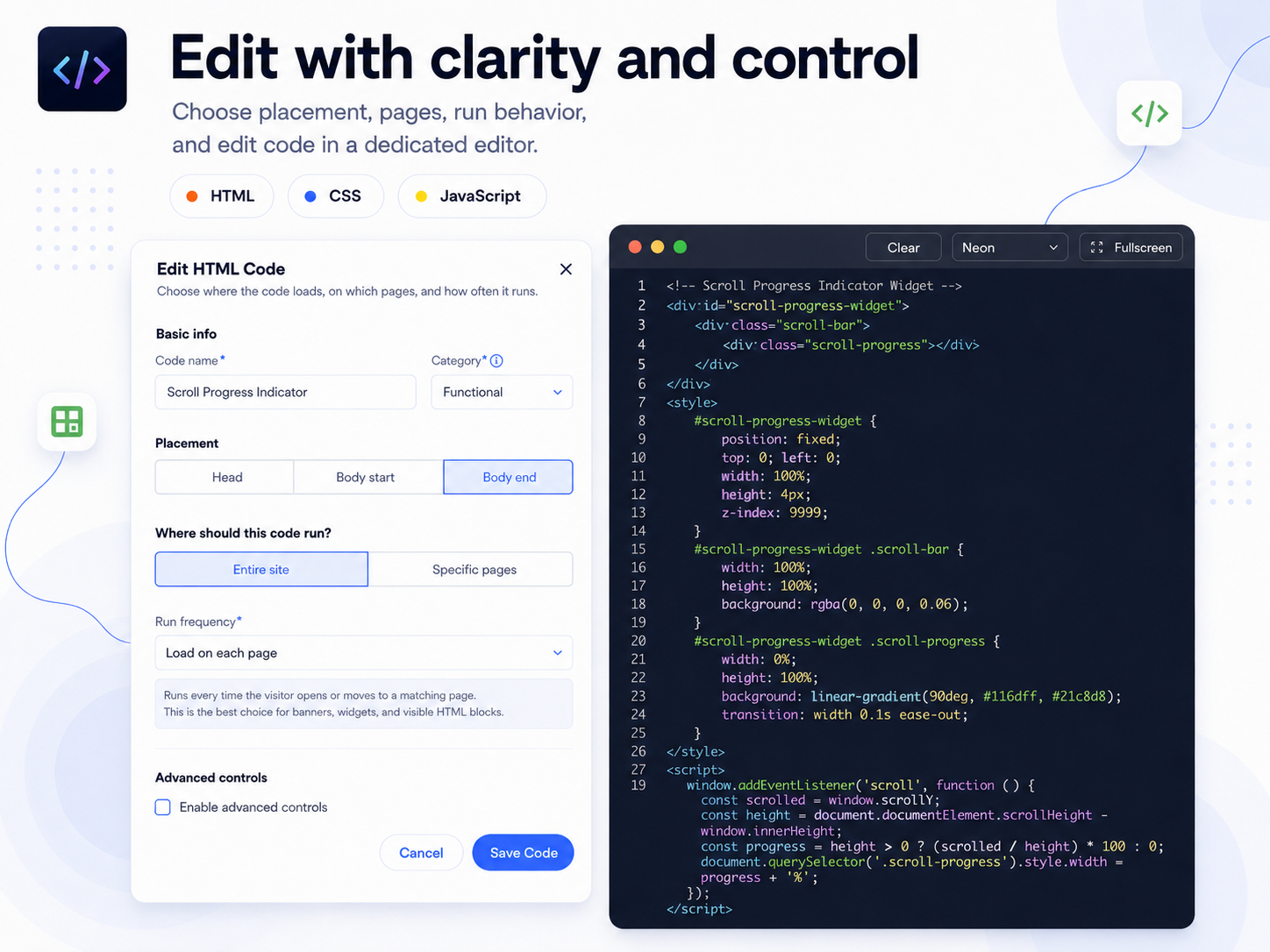
- Add custom code across your site: insert HTML, CSS, JavaScript, tracking pixels, embeds, styles, and custom scripts on all or selected pages
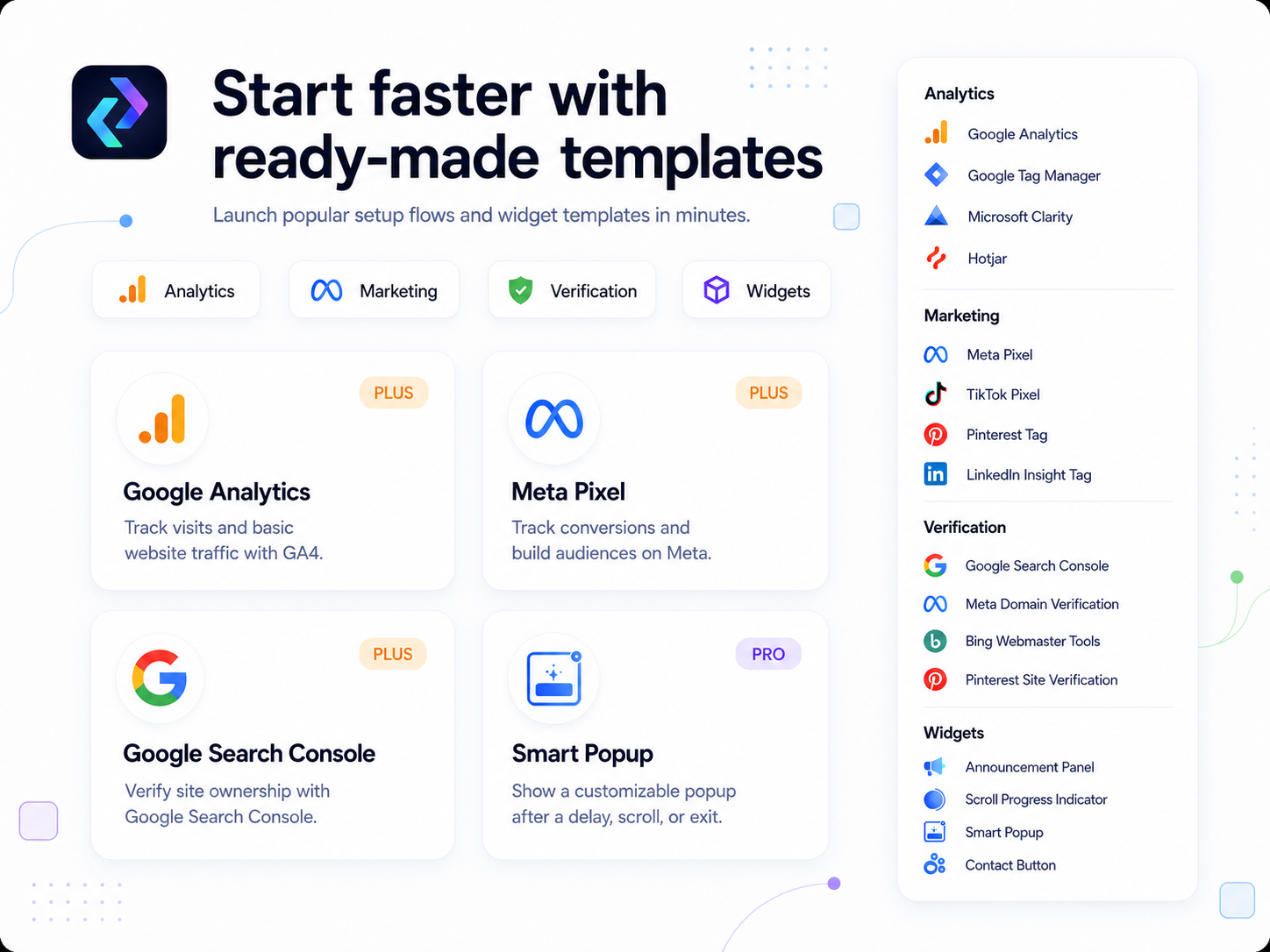
- Start with ready-made setup templates: connect Google Analytics, Google Tag Manager, Meta Pixel, TikTok Pixel, Pinterest Tag, and more
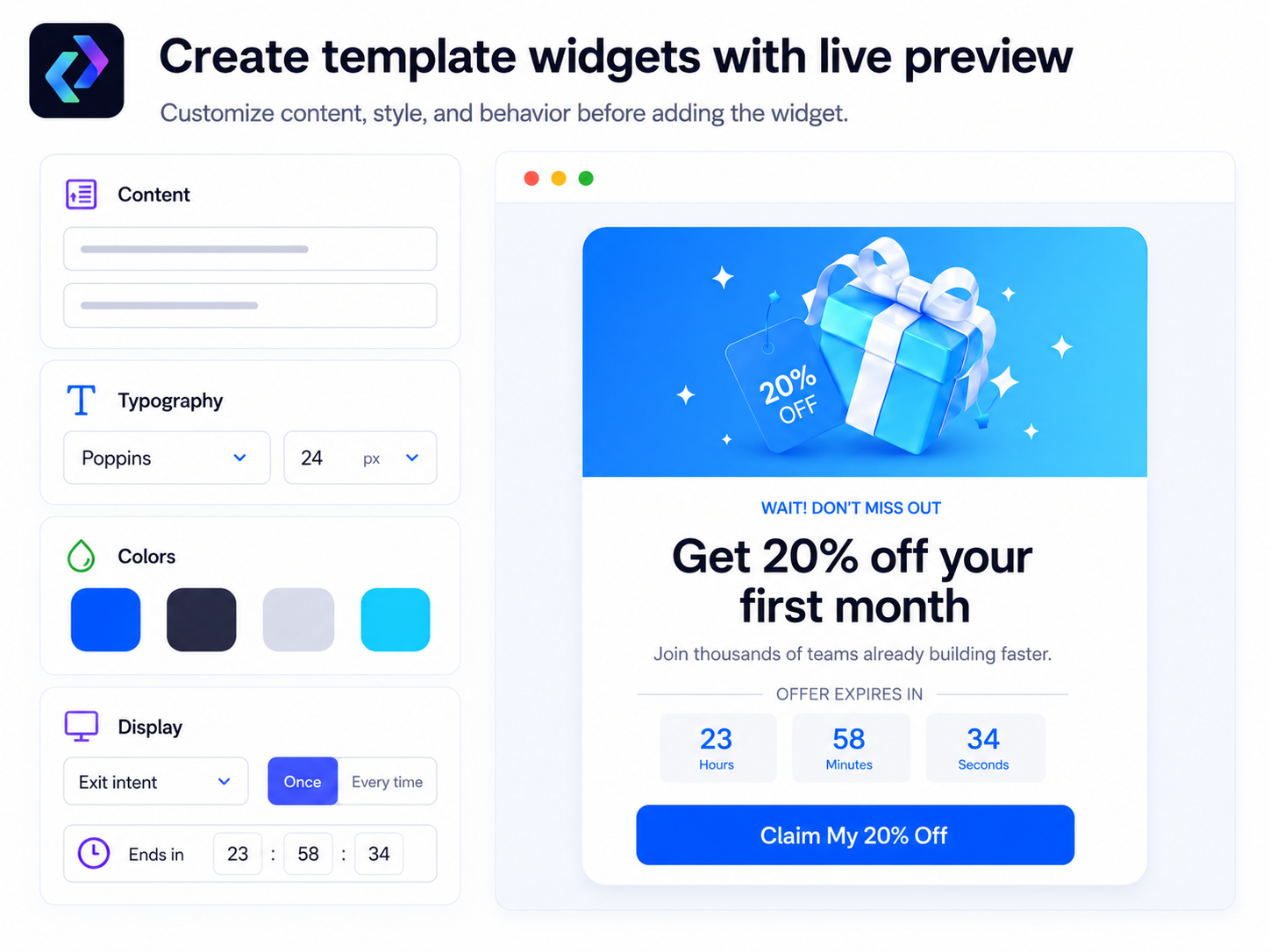
- Create widgets without coding: build popups, floating contact buttons, announcement bars, and useful site tools from guided templates
- Control when and where code runs: target selected pages, devices, dates, schedules, or load code once per visitor session
Категории
Доступность
Приложение доступно по всему миру.Языки приложения:
Английский
Категория
D
Разработчик приложенияDumastar
Связаться с разработчикомПолитика конфиденциальности
Dmitrii Ivashchenko гарантирует соблюдение торгового законодательства ЕС.
Рейтинг и отзывы
Еще никто не оставил отзыв на это приложение. Оцените его первым.Подписки
План Free
Бесплатно
Easy custom code setup
1 code snippet
Up to 200 characters
HTML code editor
План Plus
$
1
99
/мес.
5 code snippets
Up to 2,500 characters each
Device and schedule controls
Setup templates and editor themes
План Pro
$
3
99
/мес.
All setup and widget templates
Unlimited code snippets
Unlimited Standard and Body code
Early Head up to 15,000 characters
* Цена указана в USD.