

Интернет-магазин
Онлайн-запись
События
Всплывающее окно
Client Portal | Portiva
Разработано
Share updates and files, get client approvals
Еще нет отзывов
Есть бесплатный план

Обзор Client Portal | Portiva
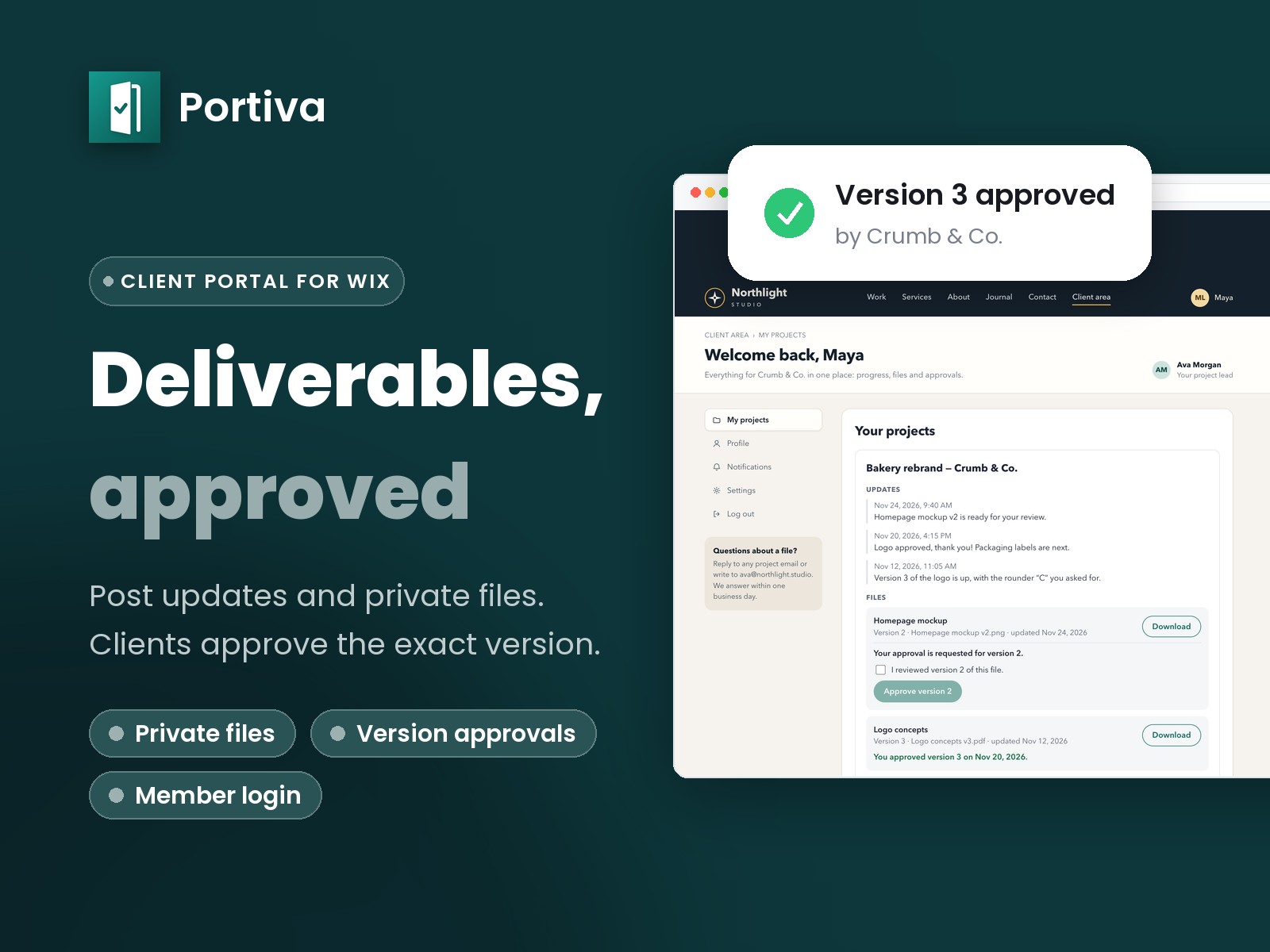
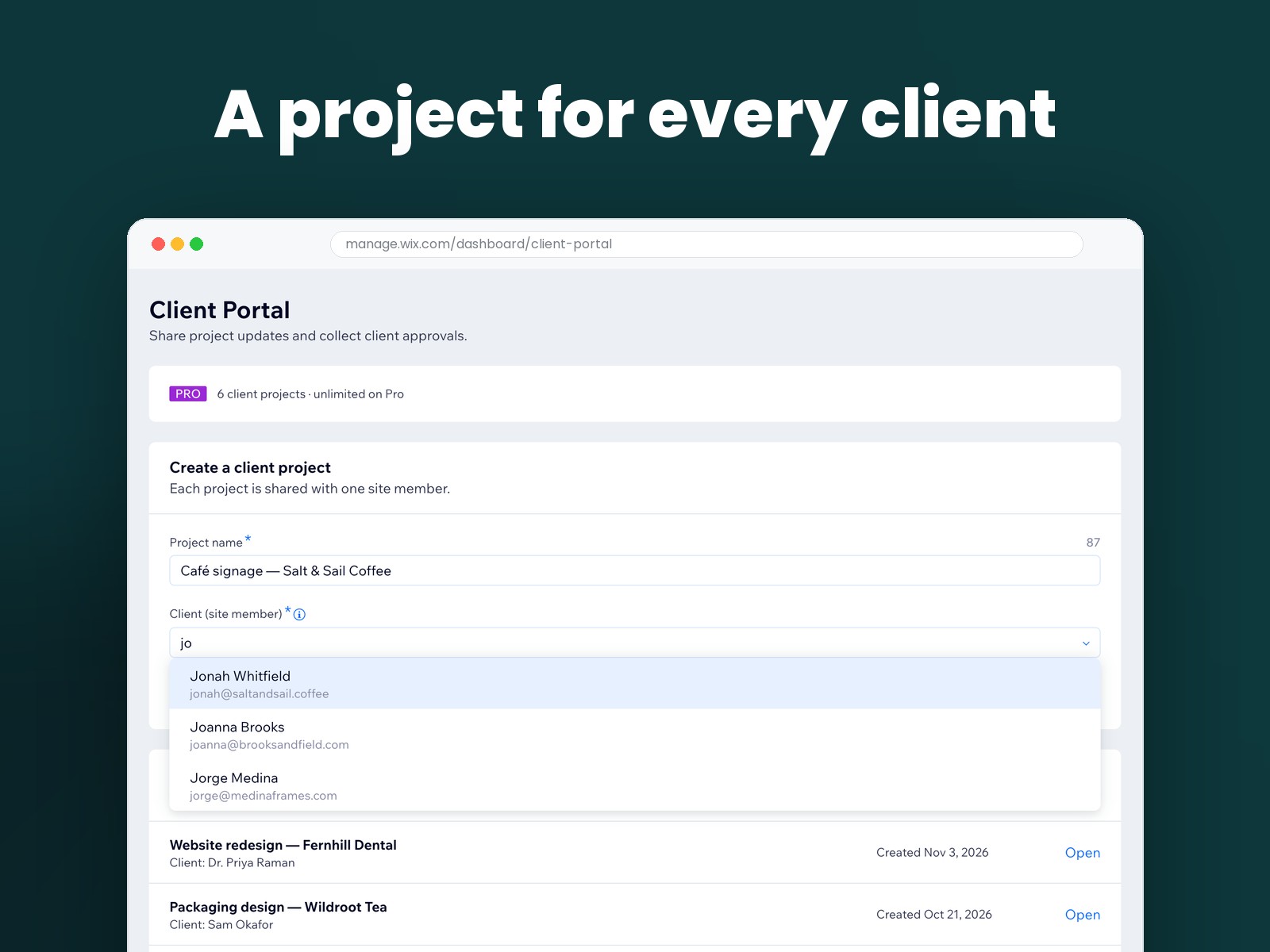
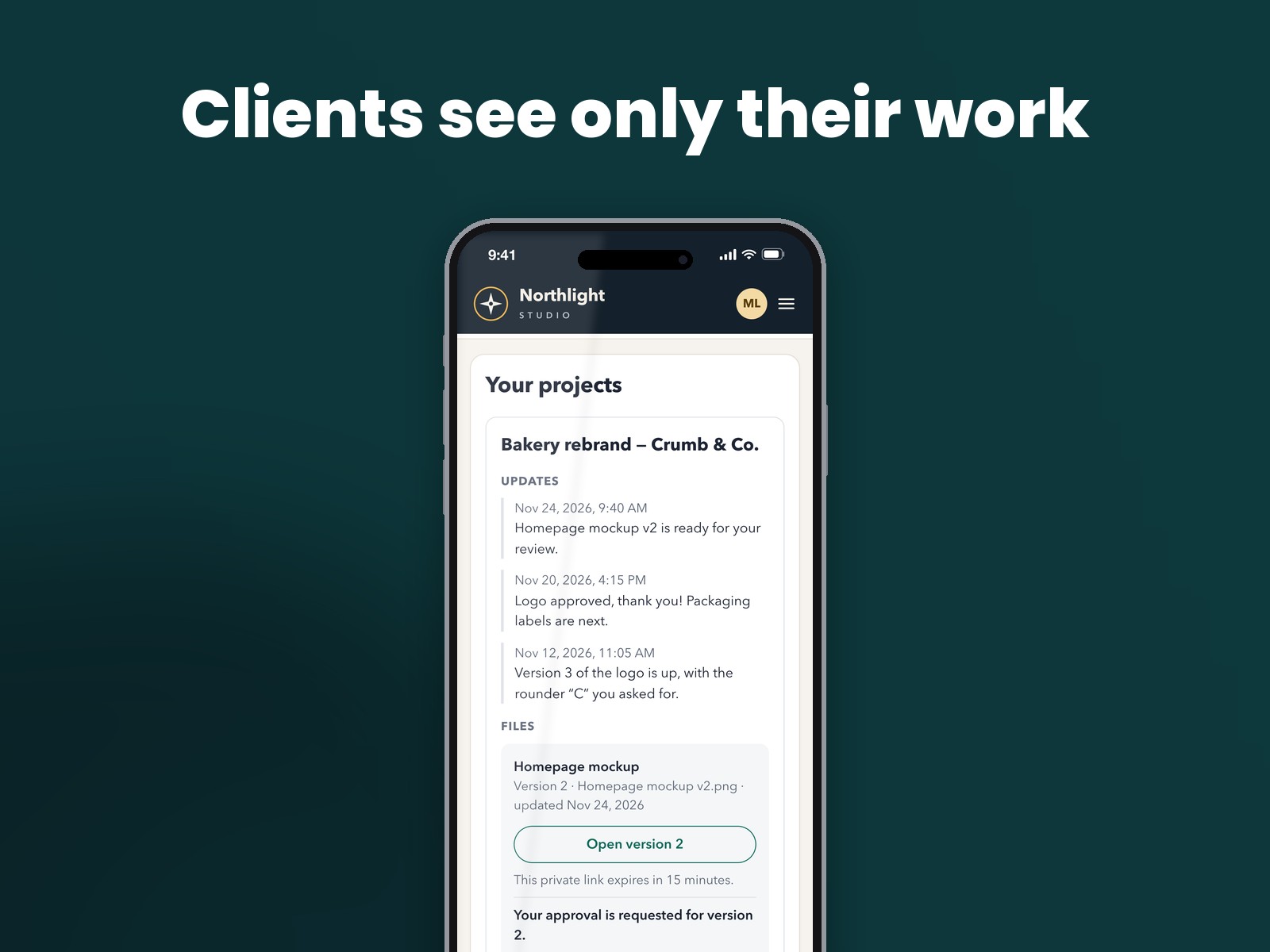
- A private project page for each client
- Post status updates your client can see
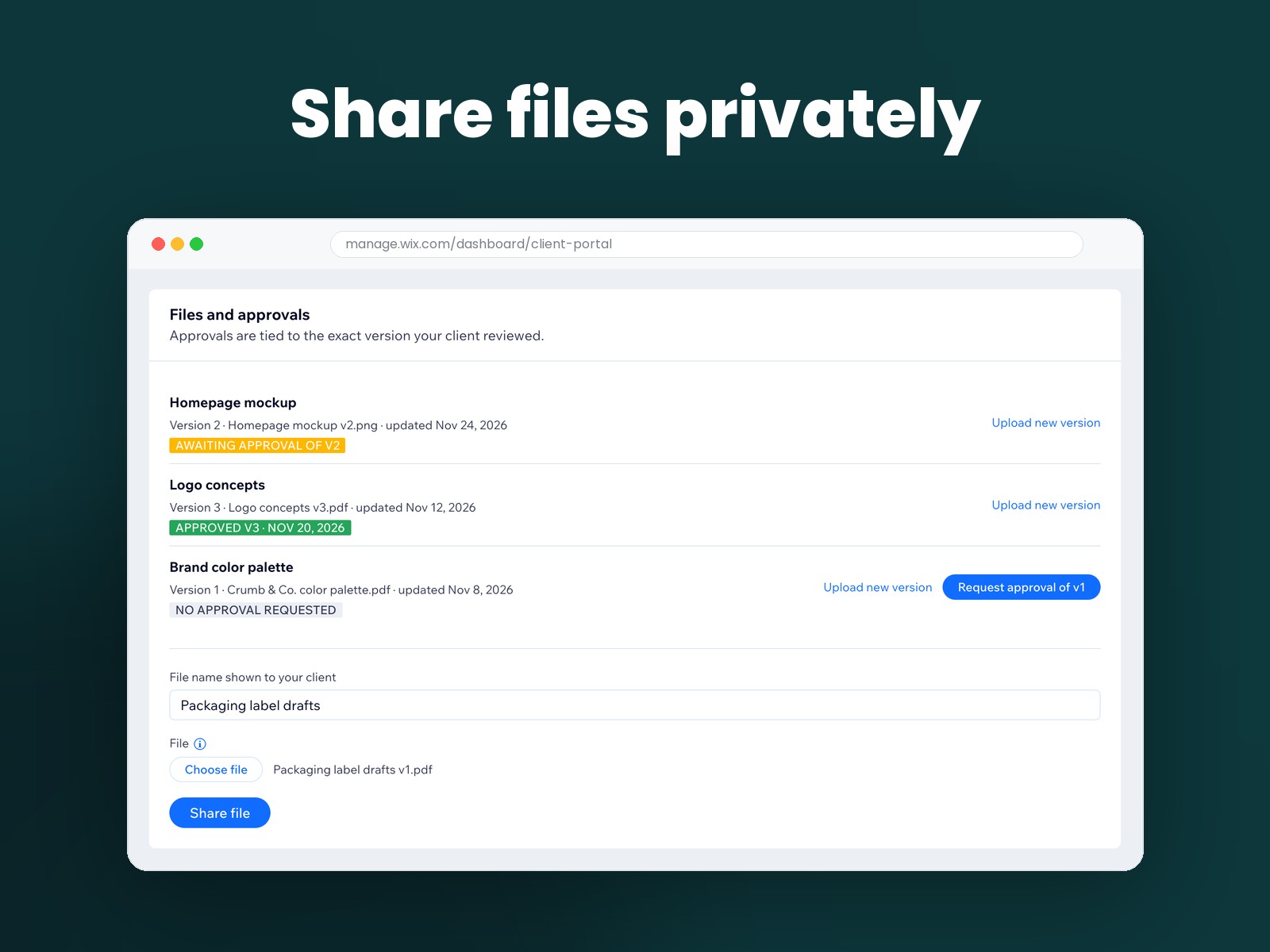
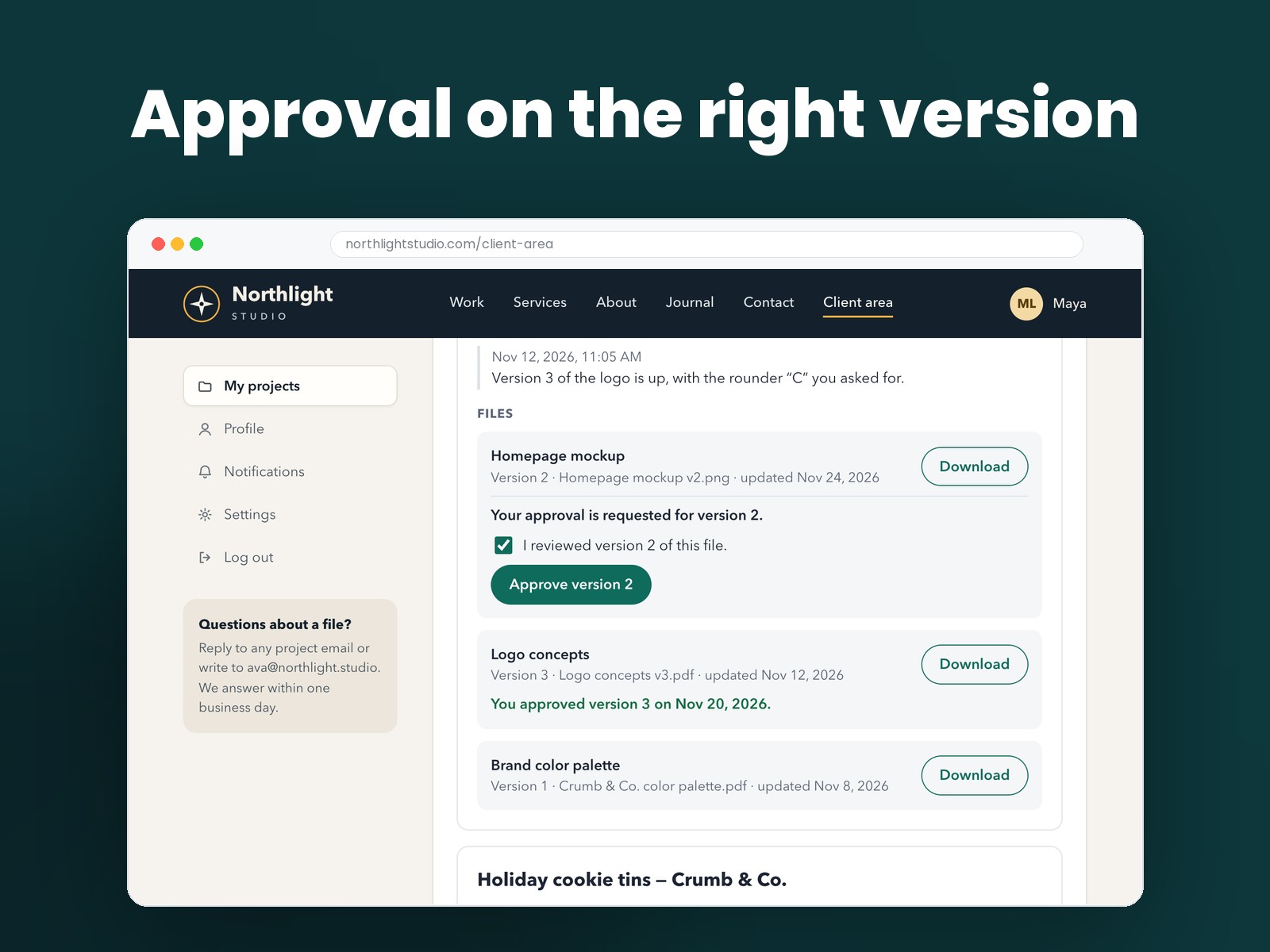
- Share private files and new versions
- Clients approve the exact version they reviewed
Рейтинг и отзывы
Еще никто не оставил отзыв на это приложение. Оцените его первым.Подписки
План Free
Бесплатно
1 client project
Private files with version approval
Project updates your client can see
План Pro
$
6
63
/мес.
$829
Unlimited client projects
Private files with version approval
Project updates your clients can see
* Цена указана в USD.