Wix App Market Logo

wix logo


Trending Topics
Интернет-магазин
Онлайн-запись
События
Всплывающее окно

Client Importer: Acuity, Calendly and CSV logo

Client Importer: Acuity, Calendly and CSV

Разработано
Import customers from a CSV, with a preview
Еще нет отзывов
Бесплатно

Обзор Client Importer: Acuity, Calendly and CSV

  • Acuity, Calendly, Mindbody or any CSV
  • Preview new, duplicate and invalid rows
  • Skips duplicates by email or phone
  • Report of every row not imported
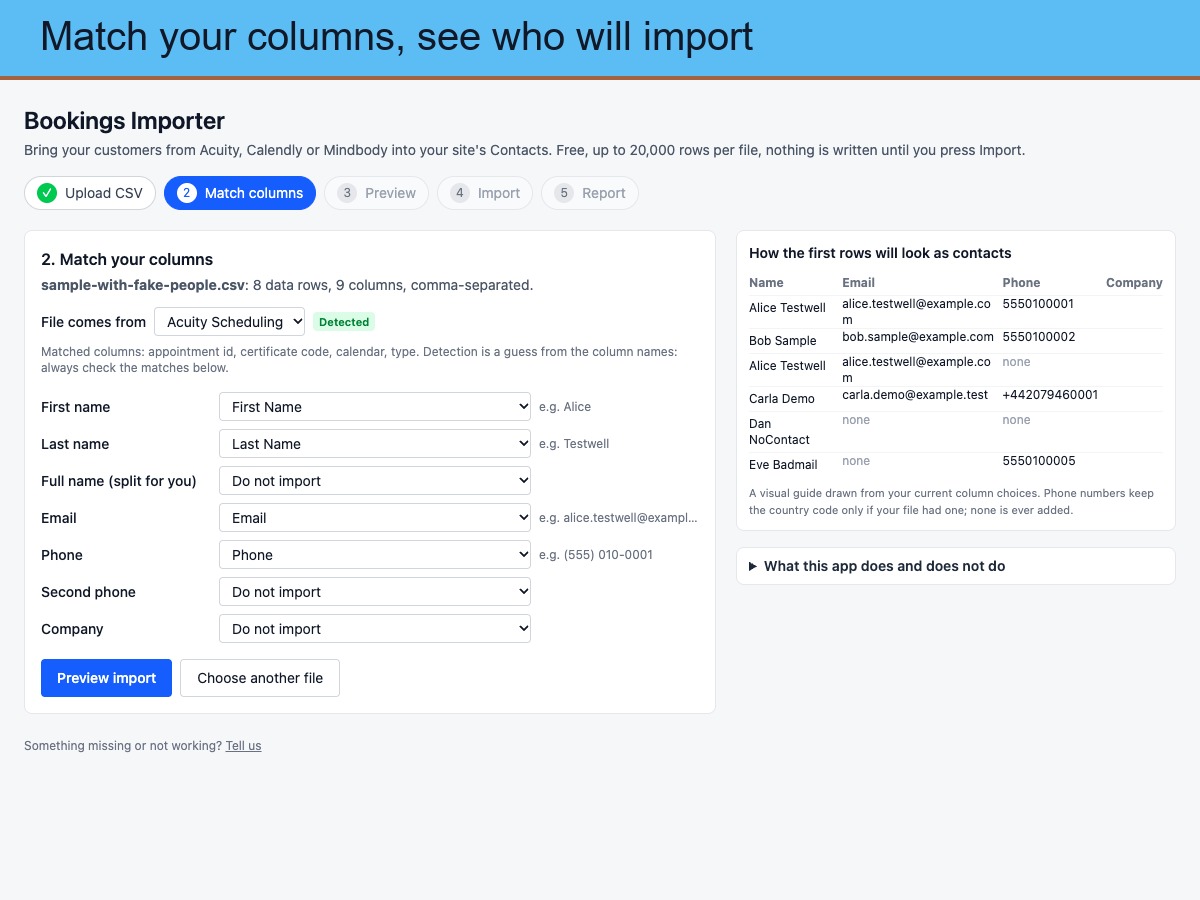
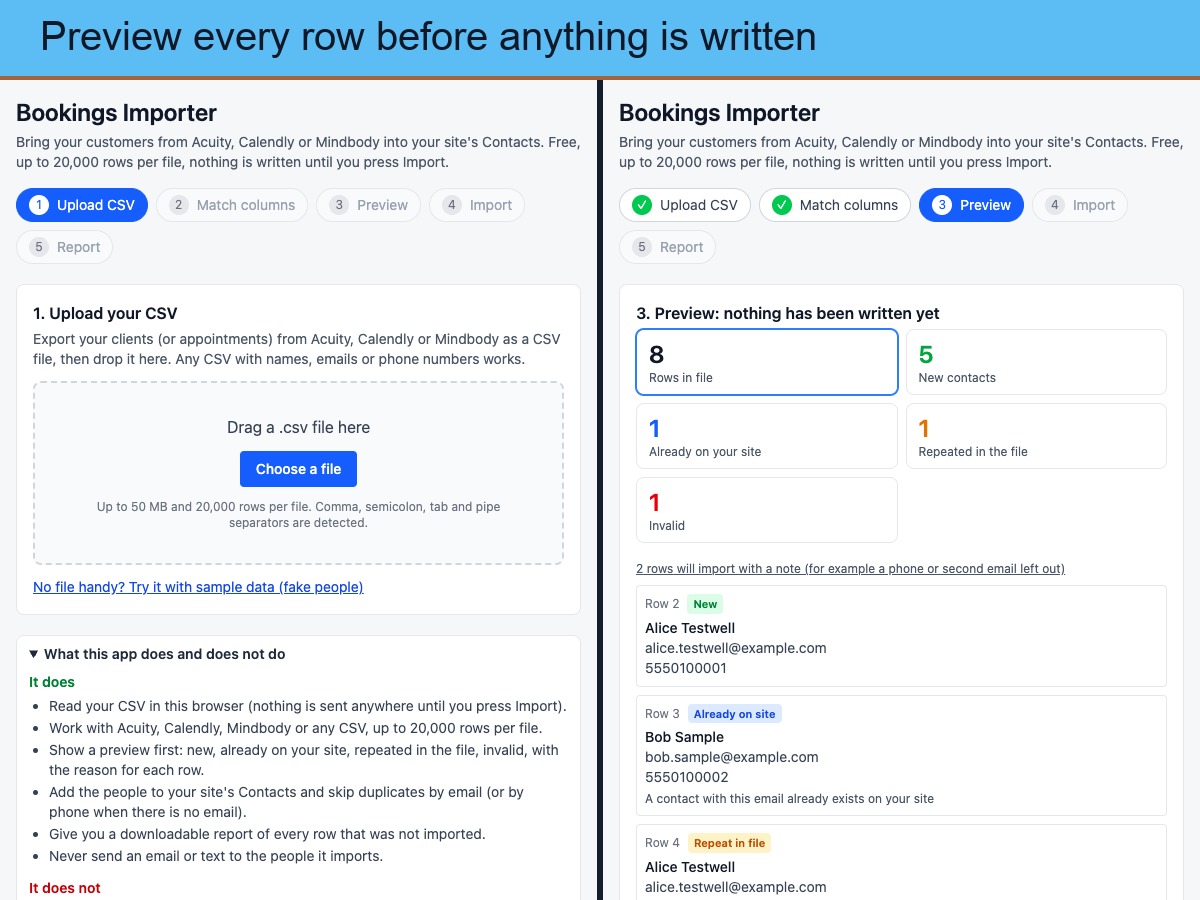
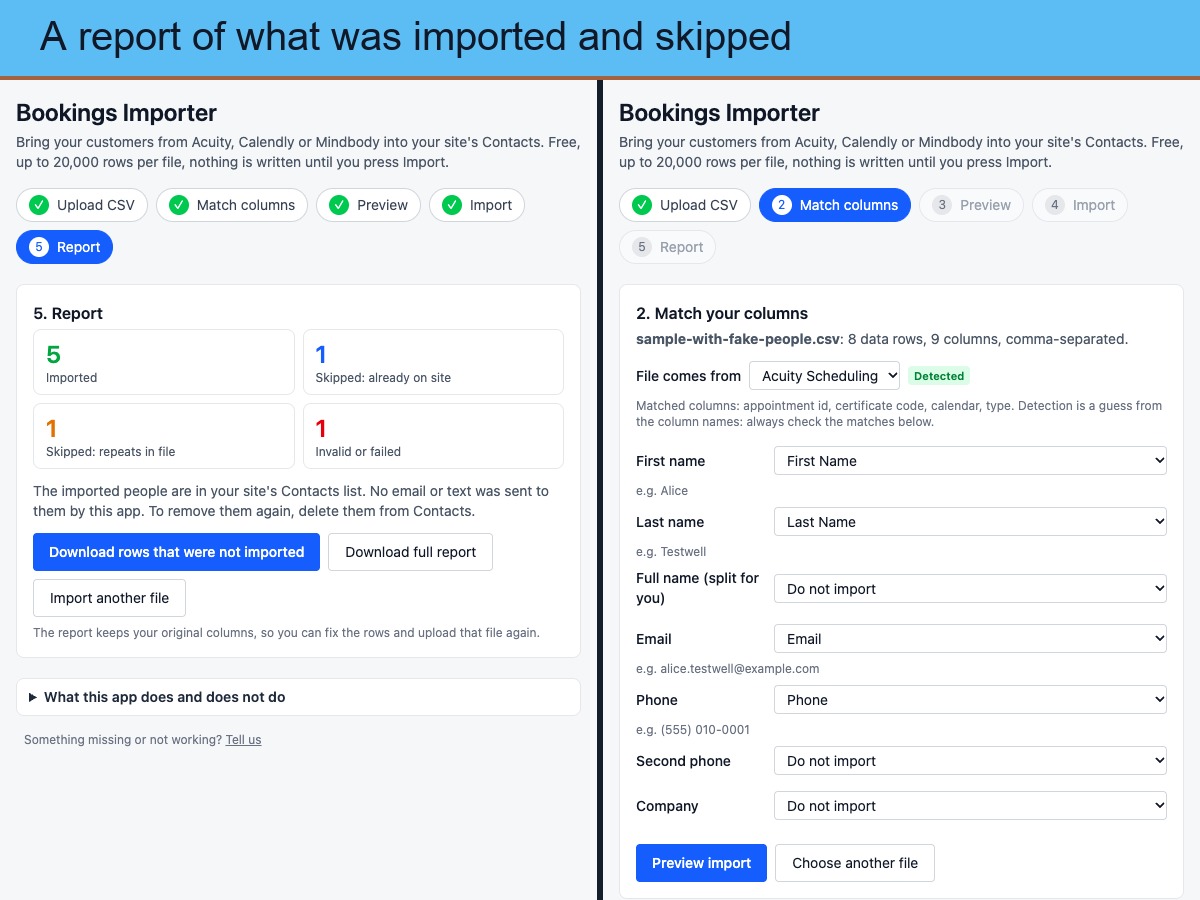
Export your clients as a CSV from Acuity Scheduling, Calendly or Mindbody (or use any CSV with names, emails and phone numbers) and bring them into your site's Contacts list. How it works: upload the file, check the columns the app matched for you (change any by hand), preview exactly what will happen, then import. The preview shows how many people are new, already on your site, repeated in the file, or invalid, with the reason for every row. Duplicates are skipped by email, or by phone when there is no email. Imports run in groups, show progress, and can be stopped and resumed. Afterwards you can download a report of every row that was not imported, keeping your original columns so you can fix and re-upload it. No row cap (files up to 50 MB); it never sends an email or text to the people it imports. Honest limits: it imports customers only. It does not import appointments, services, payments, notes, addresses, birthdays or labels, does not connect to your Acuity, Calendly or Mindbody account (CSV files only), does not update contacts that already exist, and cannot undo an import. Check you have permission to email imported people before you do.
Доступность
Приложение доступно по всему миру.
Языки приложения:
Английский
Вы можете перевести контент приложения на любой язык.

Рейтинг и отзывы

Еще никто не оставил отзыв на это приложение. Оцените его первым.

Создайте и запустите свое приложение для более чем 230 миллионов пользователей Wix