Wix App Market Logo

wix logo


Trending Topics
Интернет-магазин
Онлайн-запись
События
Всплывающее окно

Steps Timeline logo

Steps Timeline

Разработано
Show how it works, or your history, in steps
Еще нет отзывов
Бесплатно

Обзор Steps Timeline

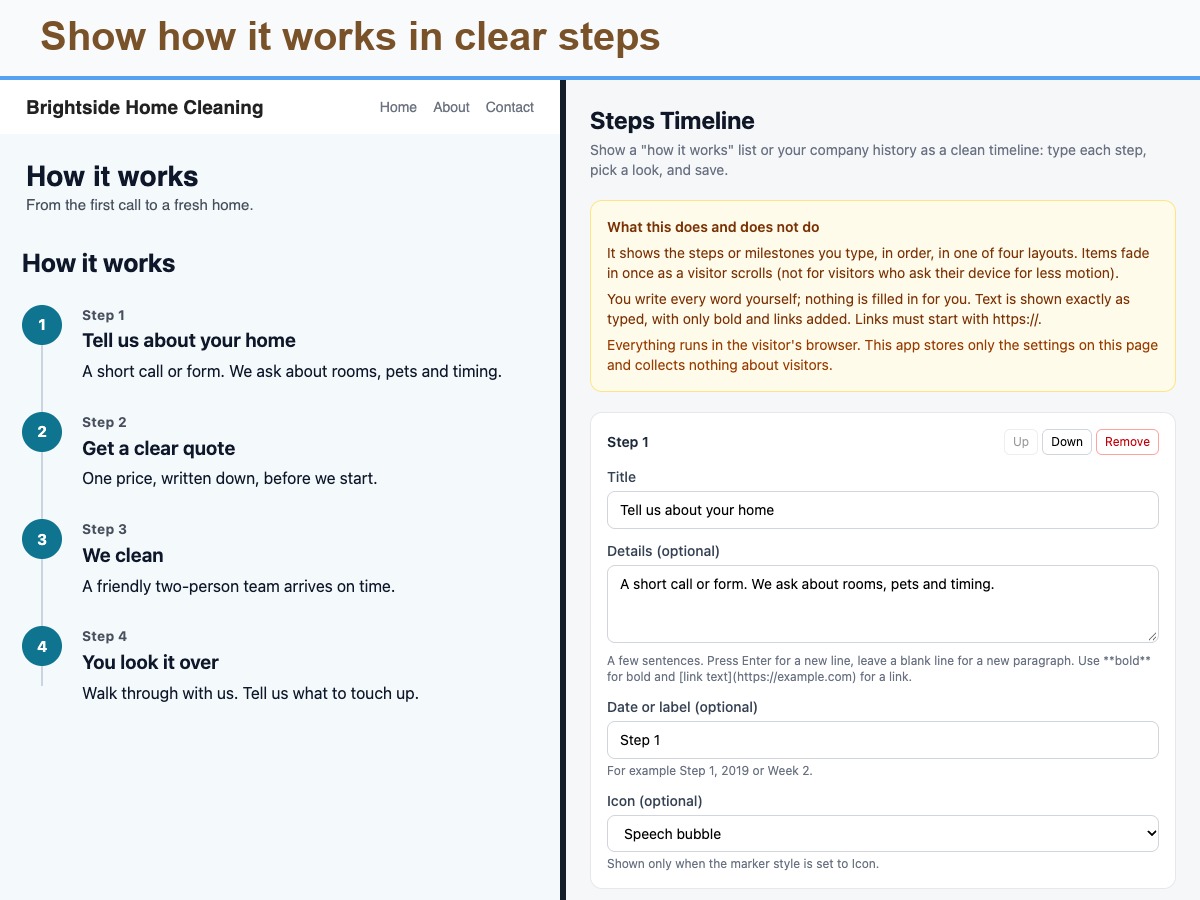
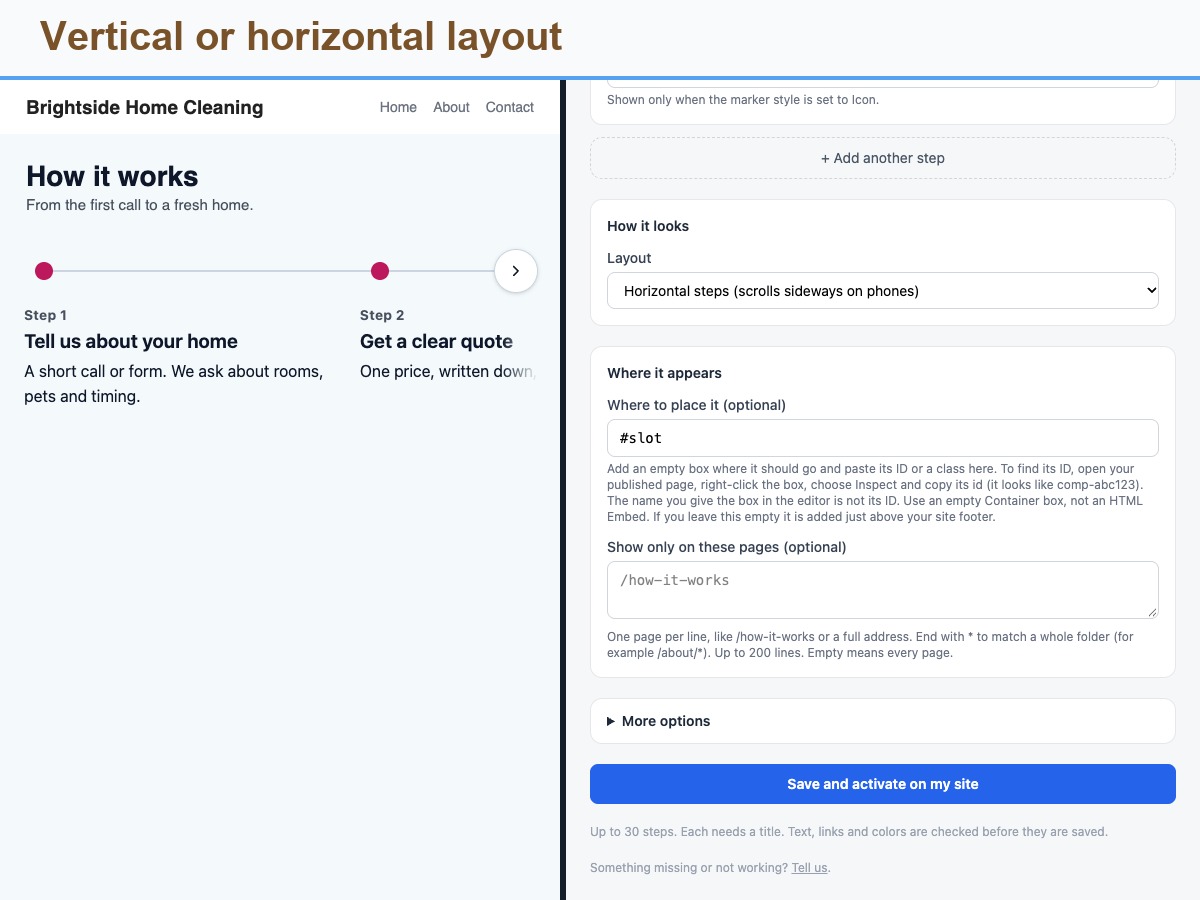
  • Four layouts, vertical to numbered cards
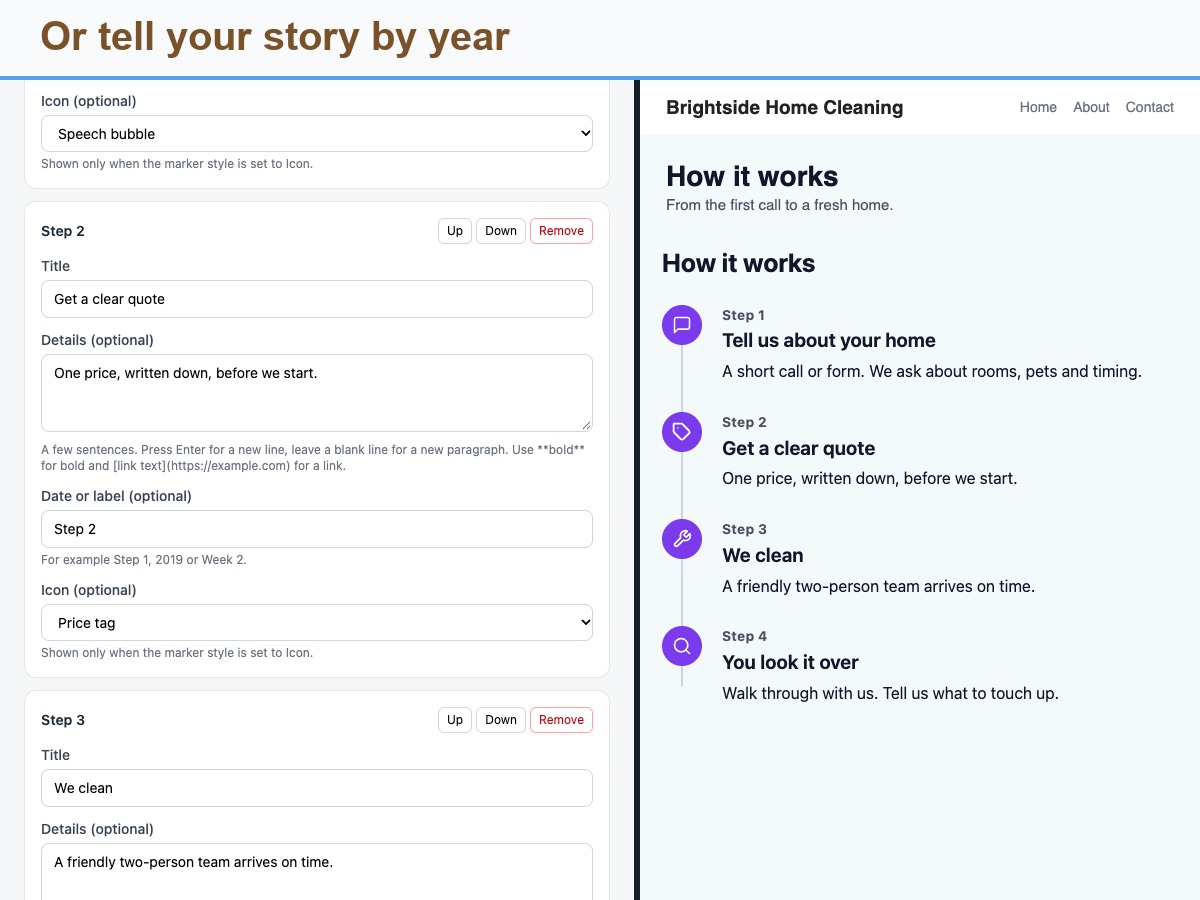
  • Built-in icons, numbers or dots
  • Bold text and links in each step
  • Fades in on scroll, motion-safe
Steps Timeline turns a list of steps or milestones into a clear visual flow. Use it for a How it works section, an onboarding path, a process, or a company history. For each step you type a title, optional details, an optional date or label such as Step 1, 2019 or Week 2, and an optional icon from a built-in set of simple line icons. Details can include bold text and links that start with https. Choose one of four layouts: a vertical line with alternating sides, a vertical line on one side, a horizontal stepper that scrolls sideways on phones, or numbered cards. Pick a number, icon or dot marker, count the steps or not, change the text size and set marker, line and text colors. Steps fade in once as a visitor scrolls, and visitors who prefer reduced motion see everything at once. Place it inside a box you name or just above your footer, and limit it to chosen pages. It supports right-to-left languages and reads in order for screen readers. Honest by design: you write every word yourself, and the block shows exactly what you type, with only bold and links added. There are no images or per-step buttons. Only your settings are stored, nothing about visitors.
Доступность
Приложение доступно по всему миру.
Языки приложения:
Английский
Вы можете перевести контент приложения на любой язык.

Рейтинг и отзывы

Еще никто не оставил отзыв на это приложение. Оцените его первым.

Создайте и запустите свое приложение для более чем 230 миллионов пользователей Wix