

Интернет-магазин
Онлайн-запись
События
Всплывающее окно
Address Autofill Corrector
Разработано
Fix incorrect checkout autofill - automatically
Еще нет отзывов
7 дн. бесплатно

Обзор Address Autofill Corrector
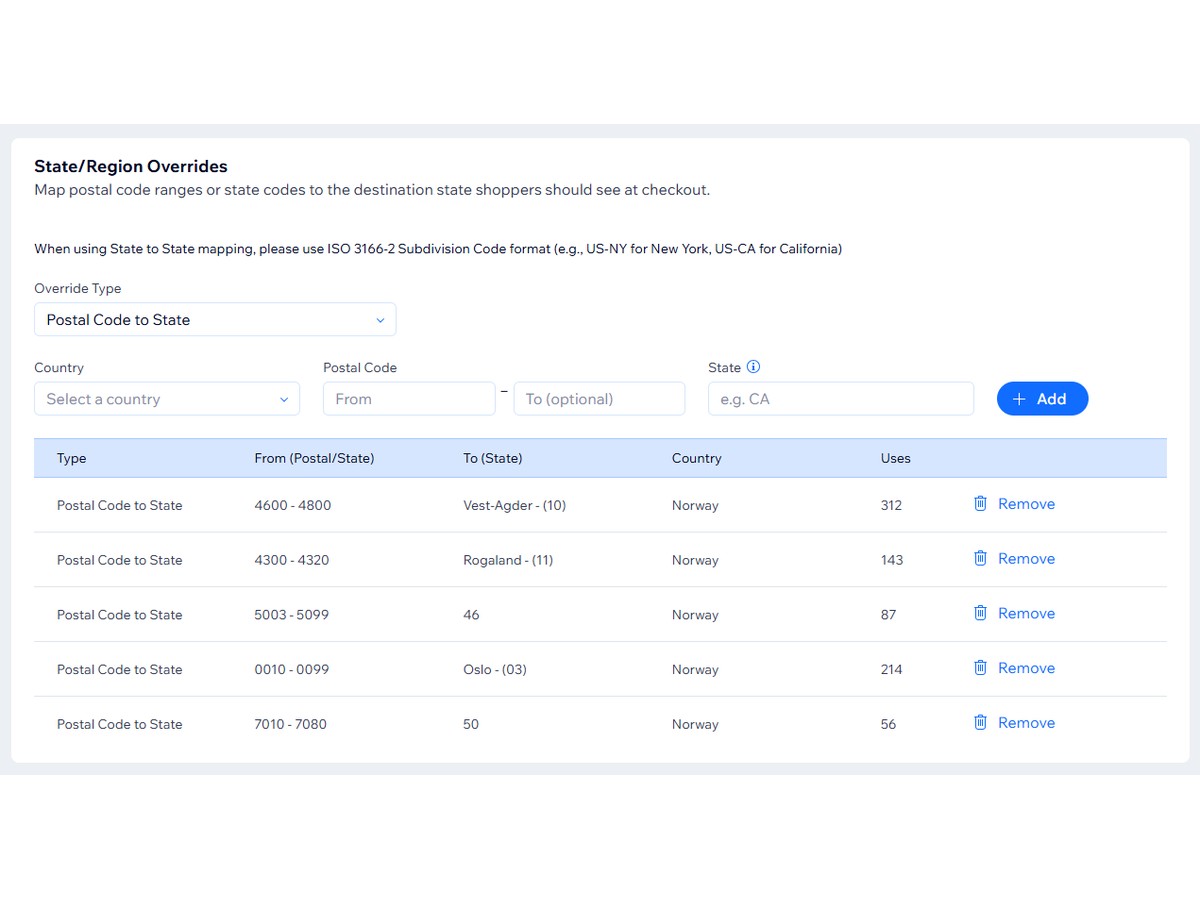
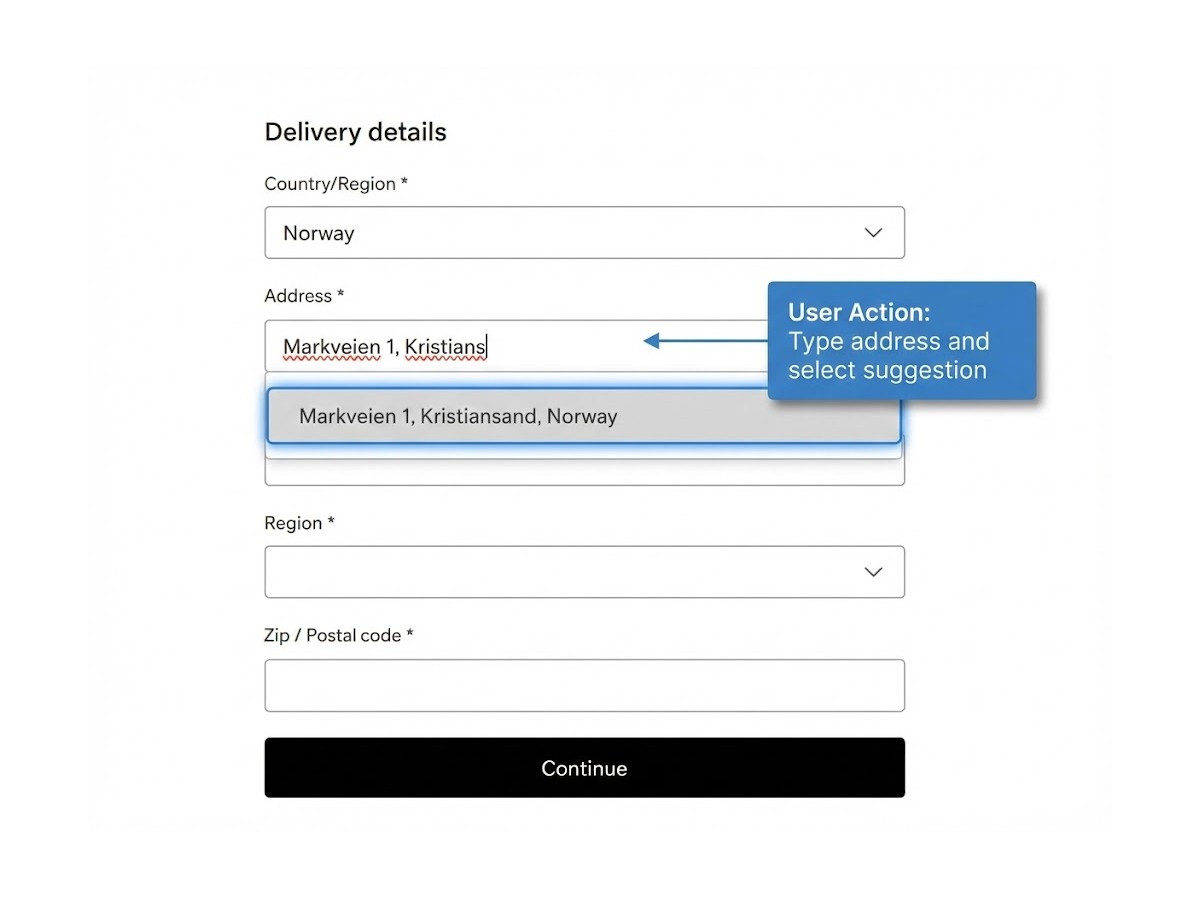
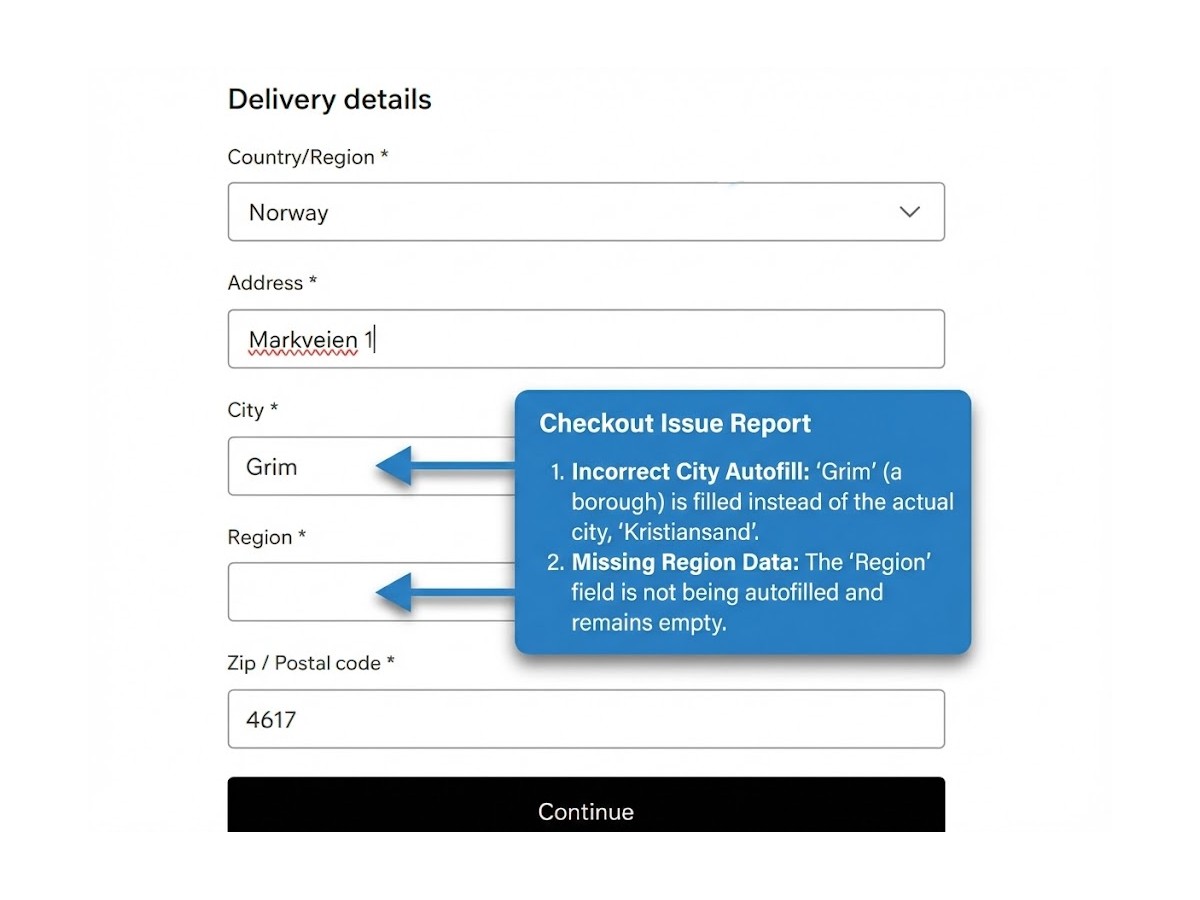
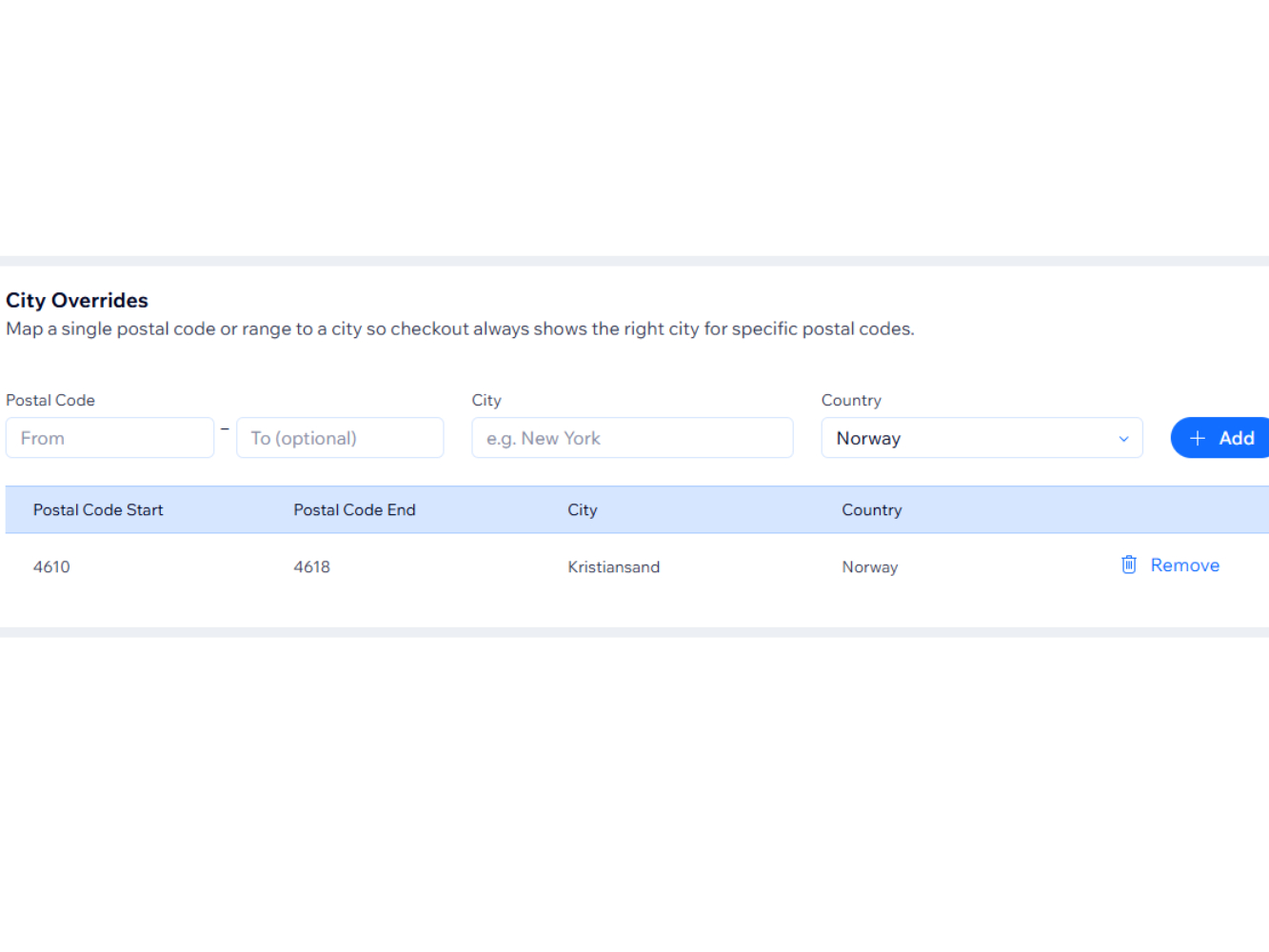
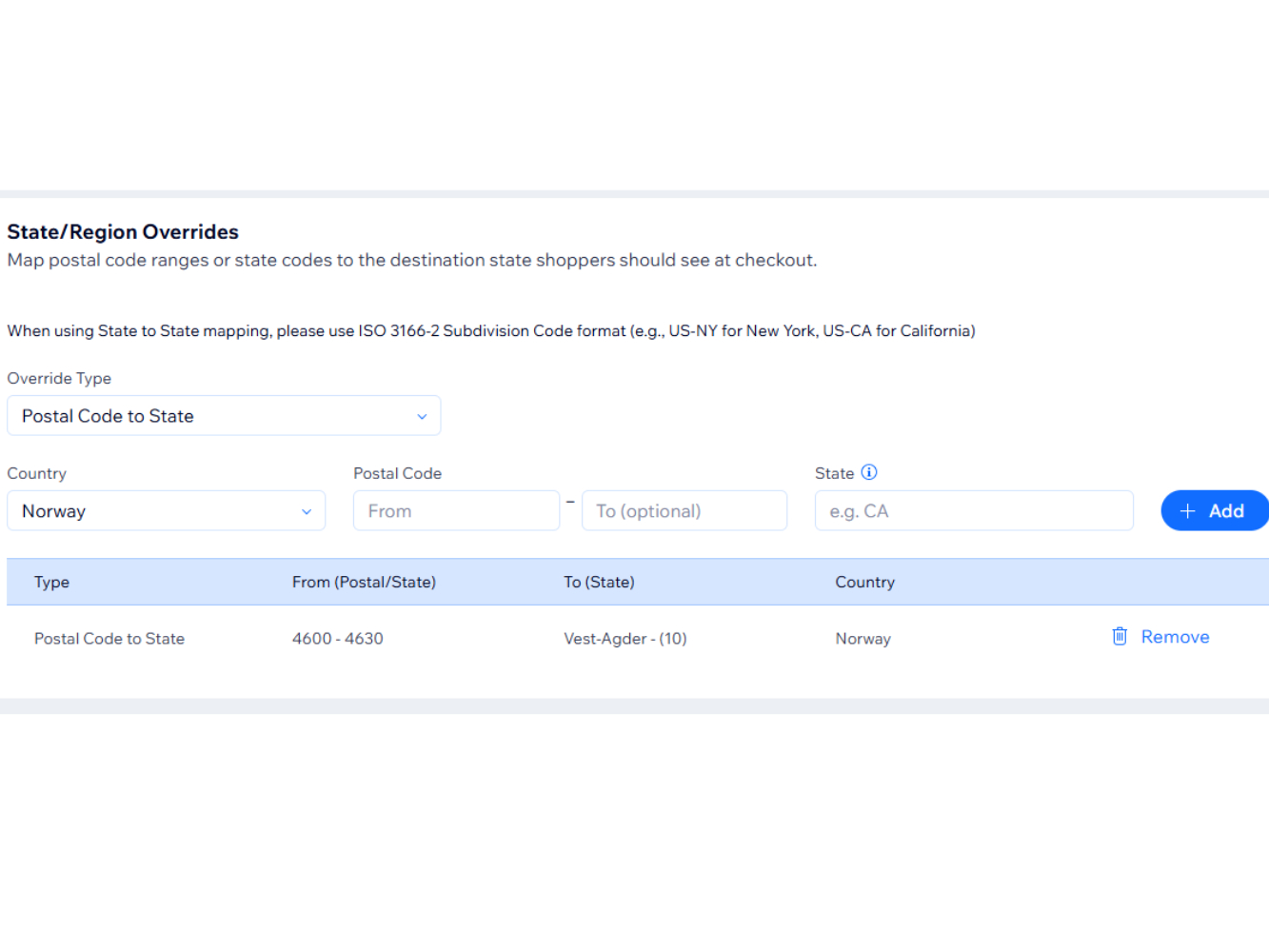
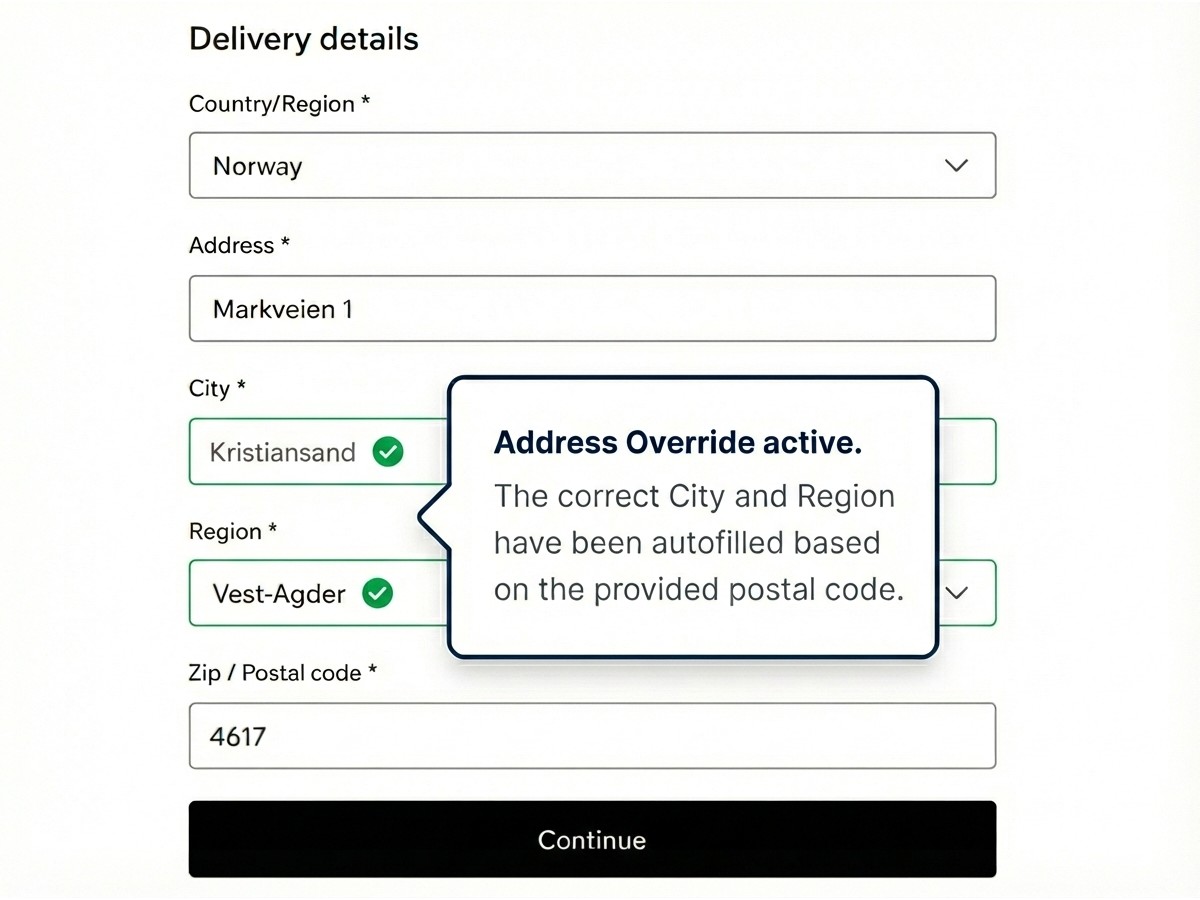
- Automatically correct wrong city or region autofill during checkout, based on country and postal code rules
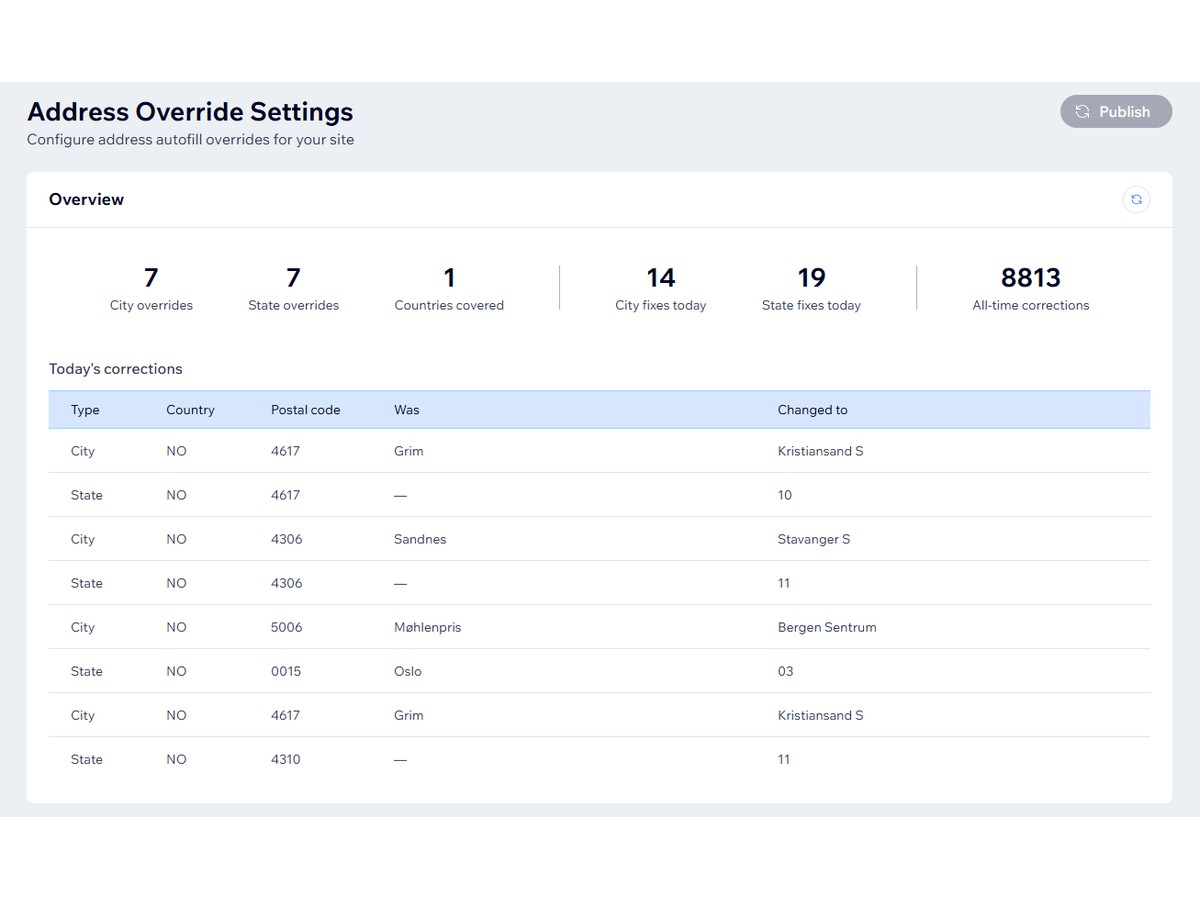
- Track every correction in real time - see today's fixes and all-time stats right in your dashboard
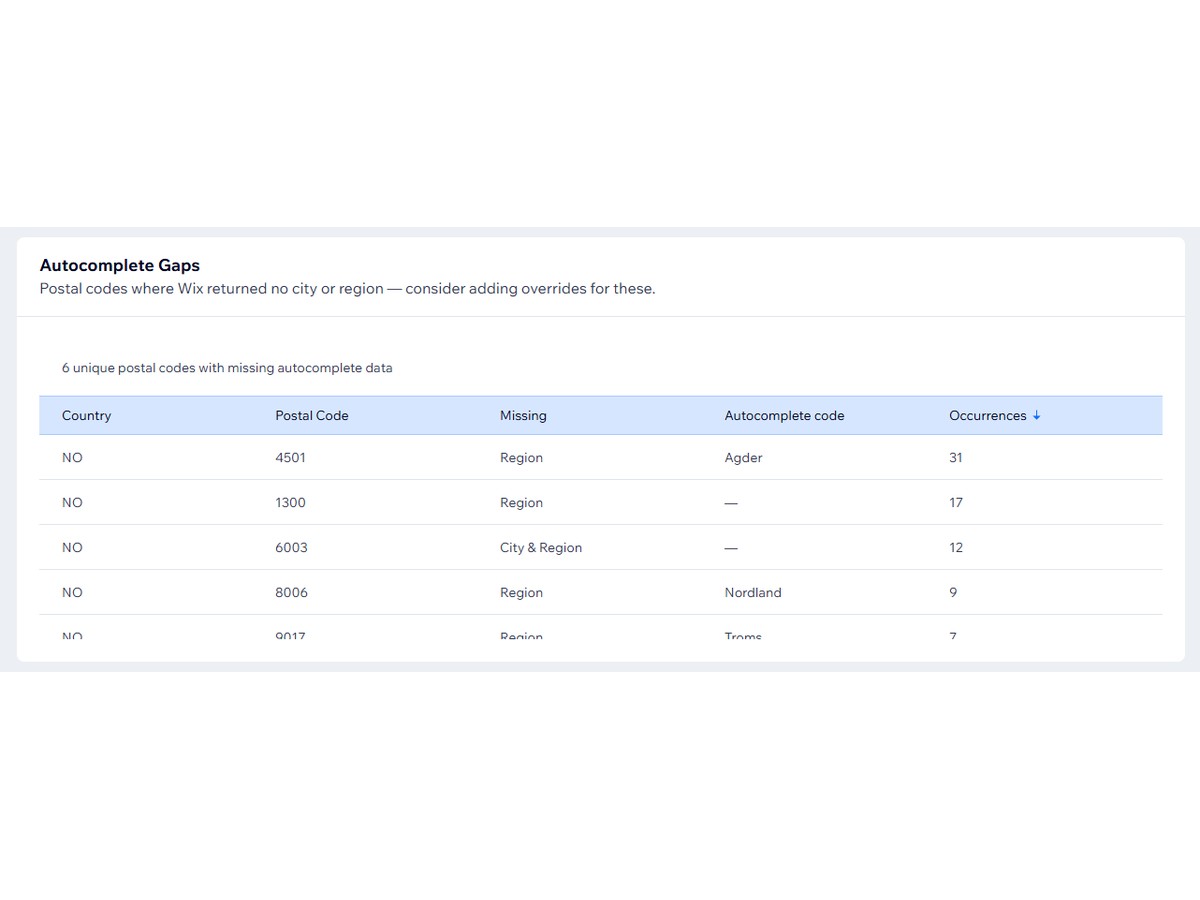
- Discover gaps: the app flags postal codes where checkout page can't fill the region automatically, so you always know where to add a rule next
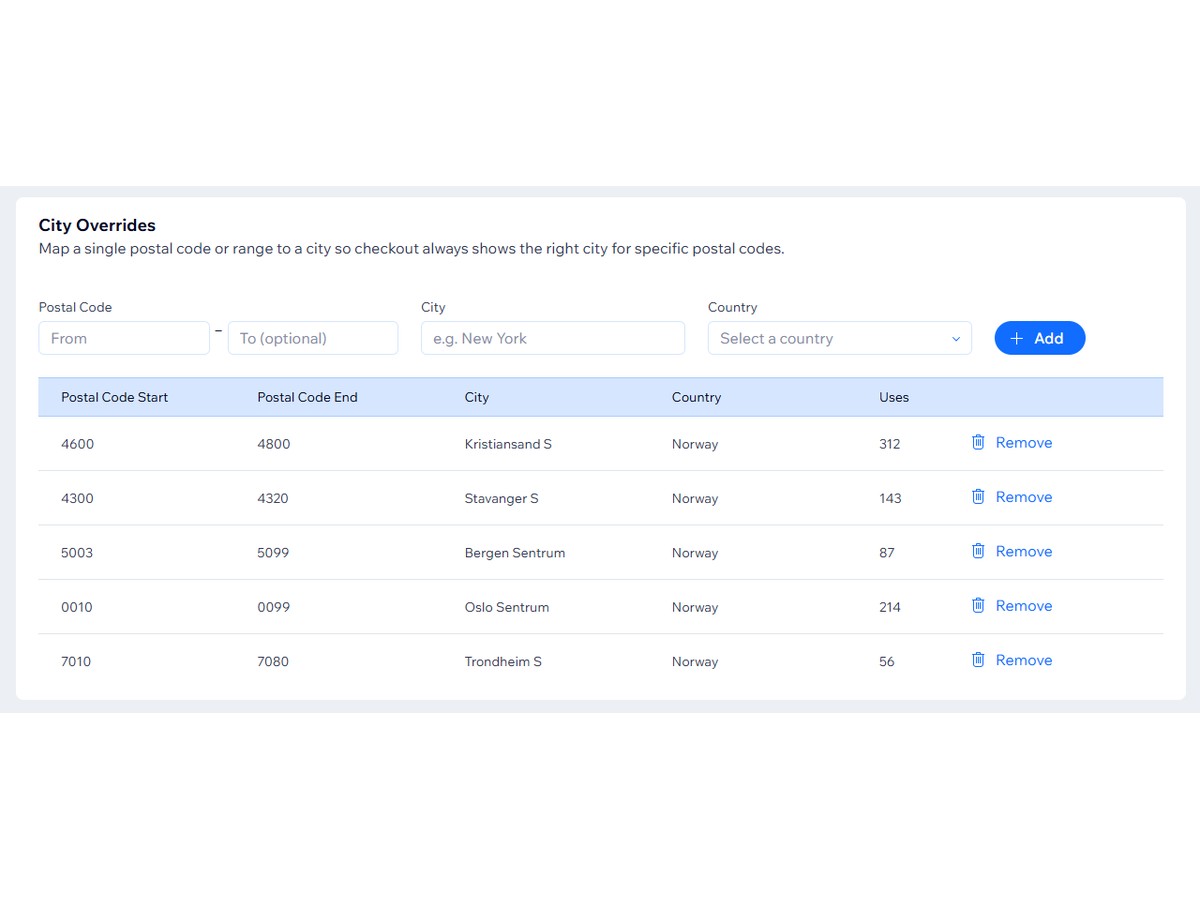
- Manage all rules in one place - sortable tables, bulk import, and usage counts per rule so you know what's working
Доступность
Приложение доступно по всему миру.Языки приложения:
Английский
Требования к сайту:
-
GT
Разработчик приложенияGlimm Tech
На сайт разработчикаСвязаться с разработчикомПолитика конфиденциальности
Glimm AS гарантирует соблюдение торгового законодательства ЕС.
Рейтинг и отзывы
Еще никто не оставил отзыв на это приложение. Оцените его первым.Подписки
Для этого приложения доступен бесплатный пробный период 7 дн.План Starter
$
1
50
/мес.
City and state/region corrections
Up to 5 corrections
Support
План Basic
$
4
00
/мес.
City and state/region corrections
50 corrections
Support
План Pro
$
8
00
/мес.
City and state/region corrections
Up to 100 corrections
Bulk import
Full support
План Unlimited
$
25
00
/мес.
City and state/region corrections
Unlimited corrections
Bulk import
Priority support
* Цена указана в USD.